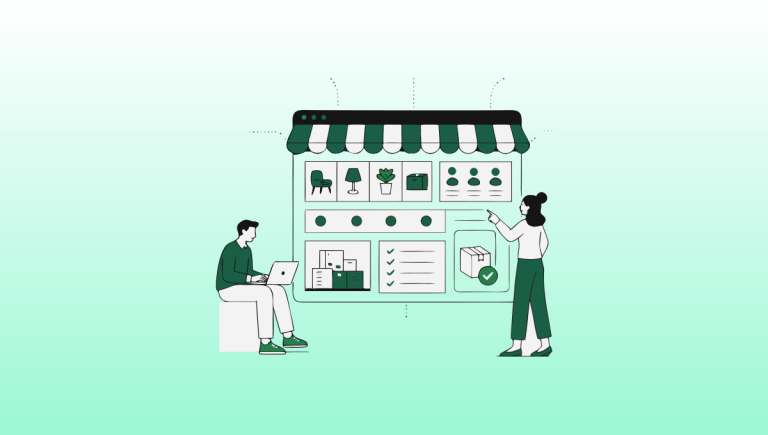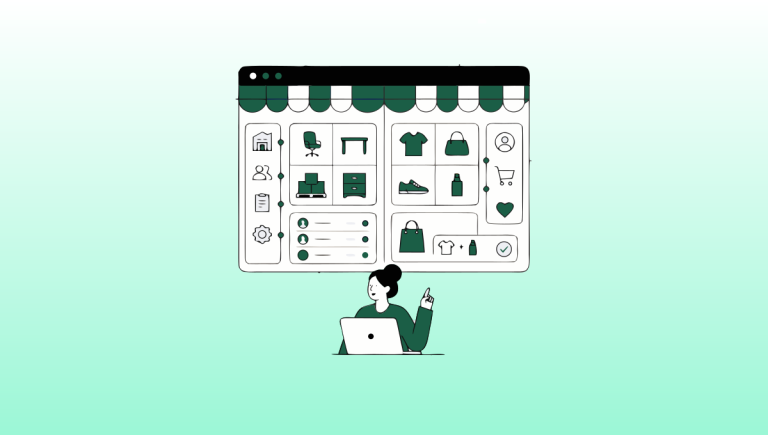
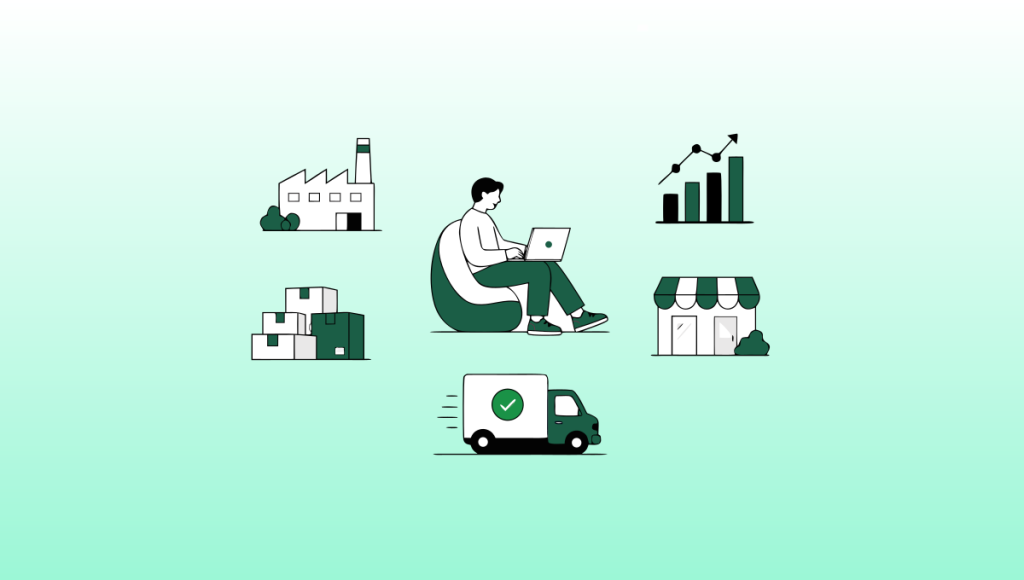
67% of B2B buyers now prefer a rep-free buying experience.
That means the majority of your wholesale customers would rather log into a portal, find their products, and place an order themselves without calling anyone.
And the market they’re buying in? $7.7 trillion globally. Growing at 18% per year through 2030. Already more than double the size of DTC ecommerce.
The wholesale channel has moved online. The buyers are ready. The platforms are ready.
In this guide, I’m going to show you EXACTLY how to start wholesale ecommerce in 2026 step by step, from choosing your store structure to automating your operations.
Let’s dive right in.
Step 1: Understand the Opportunity
Before you build anything, get clear on what you’re actually entering.
B2B ecommerce is $7.7 trillion globally more than double DTC and it’s growing at 18% annually through 2030.
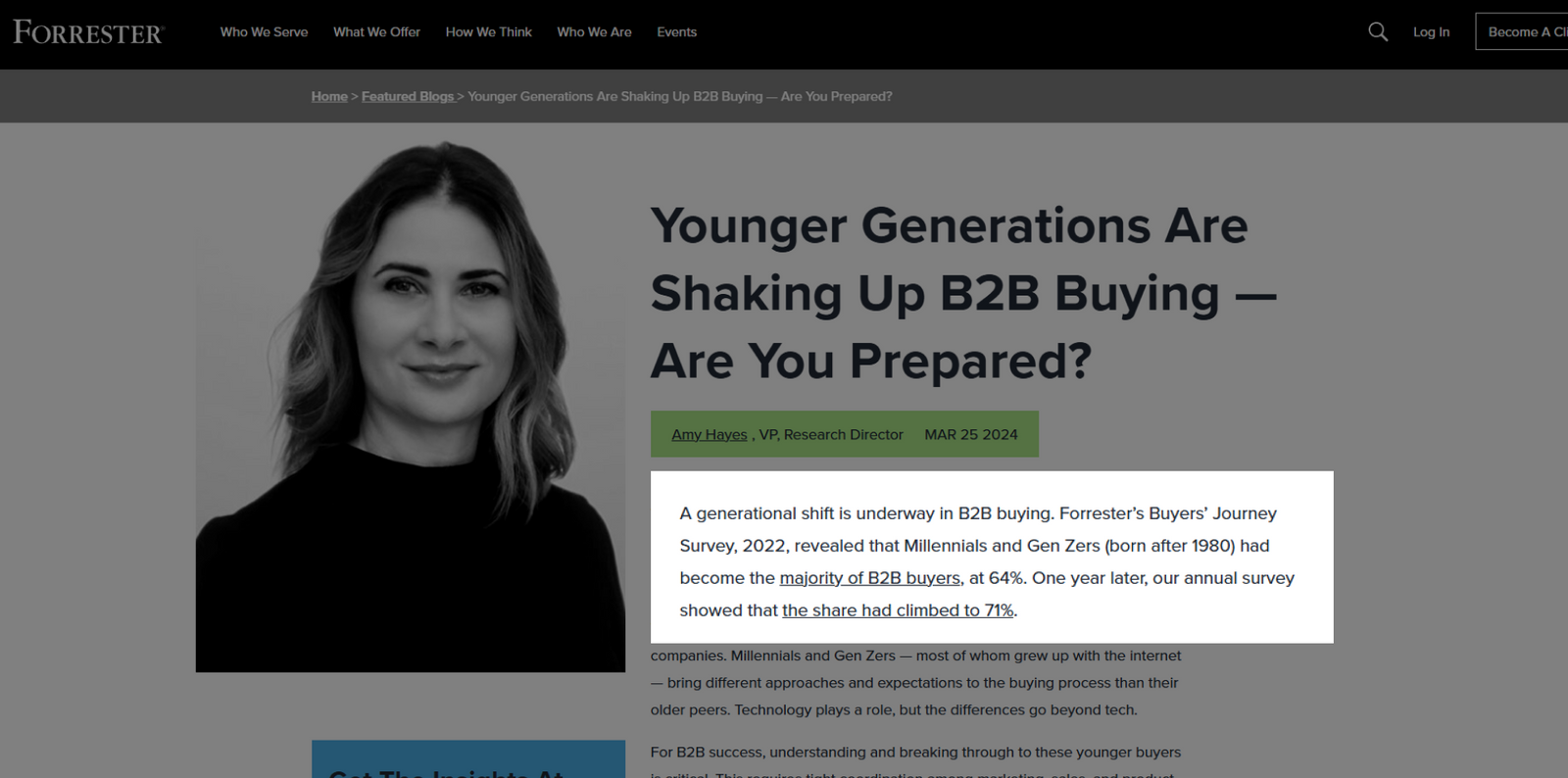
Gartner’s most recent survey finds 67% of B2B buyers prefer a rep-free buying experience. And 71% of B2B buyers are Millennials or Gen Z who expect to manage their purchasing the same way they manage everything else online.
Step 2: Choose Your Store Structure (Blended vs. Dedicated)
Your first real decision: how do you want to structure your B2B channel relative to your existing store?
You have two options.
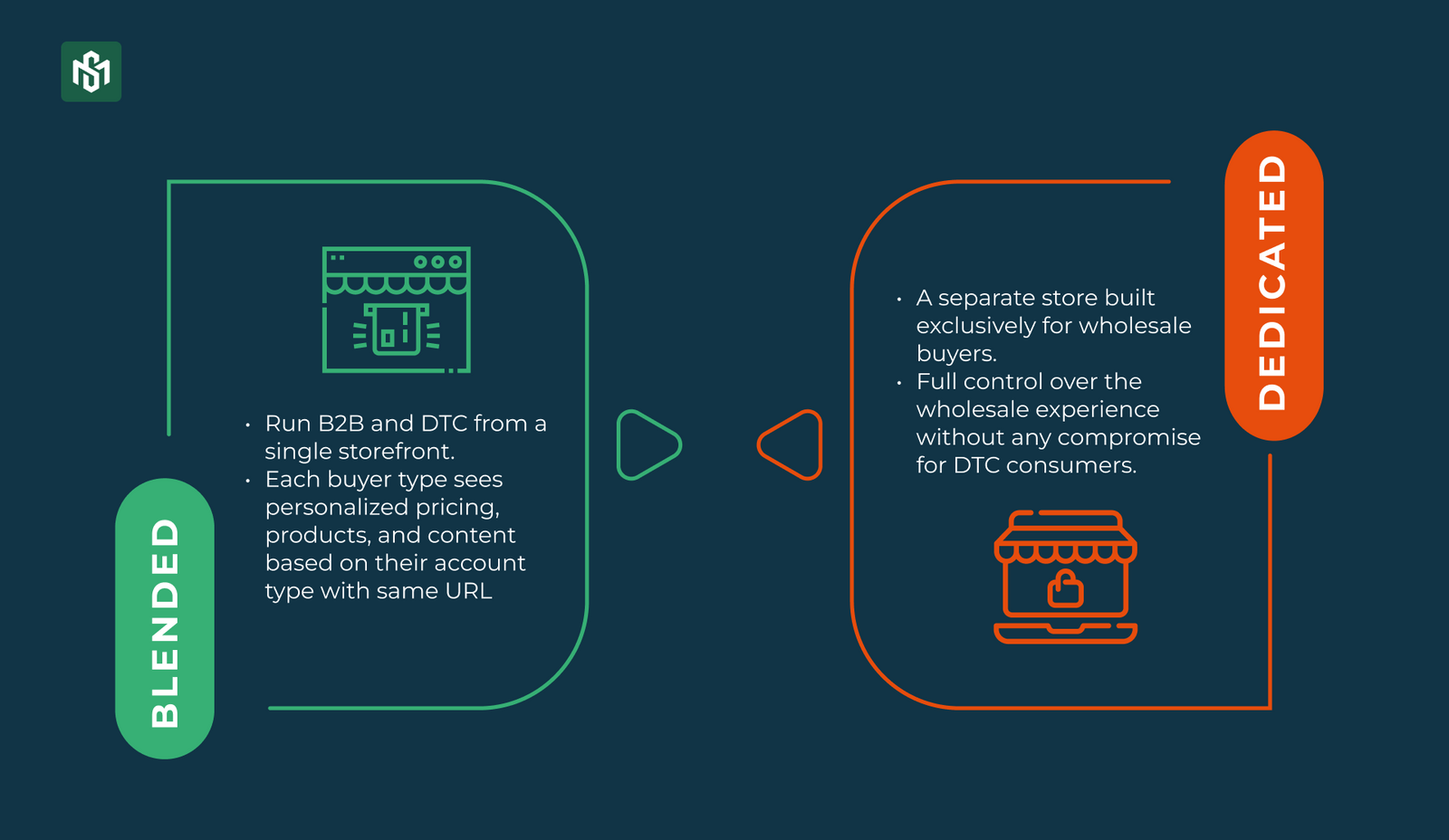
Option A: The Blended Store
Run B2B and DTC from a single storefront. Each buyer type sees personalized pricing, products, and content based on their account type with same URL, completely different experience behind the login.
Best for: Brands that already have a DTC store and want to add wholesale without managing two separate sites. Lower overhead. Consistent brand experience. One admin to maintain.
Option B: The Dedicated B2B Store
A separate store built exclusively for wholesale buyers. Full control over the wholesale experience without any compromise for DTC consumers.
Best for: Manufacturers or distributors with no DTC channel, or brands where wholesale is a completely distinct product range and experience.
In practice, the blended store is the most common choice for brands already selling DTC, it reduces duplication and keeps your data unified. The dedicated store makes sense when your wholesale operation is large enough to justify running it as a completely separate business unit.
Step 3: Set Up Company Profiles for Your Buyers
B2B is not just about products, it’s about accounts.
Unlike DTC, where you’re managing individual shoppers, wholesale means managing business relationships. Multiple contacts at the same company. Different locations with different billing addresses. Different negotiated terms per site.
Company profiles are how you represent that structure digitally.
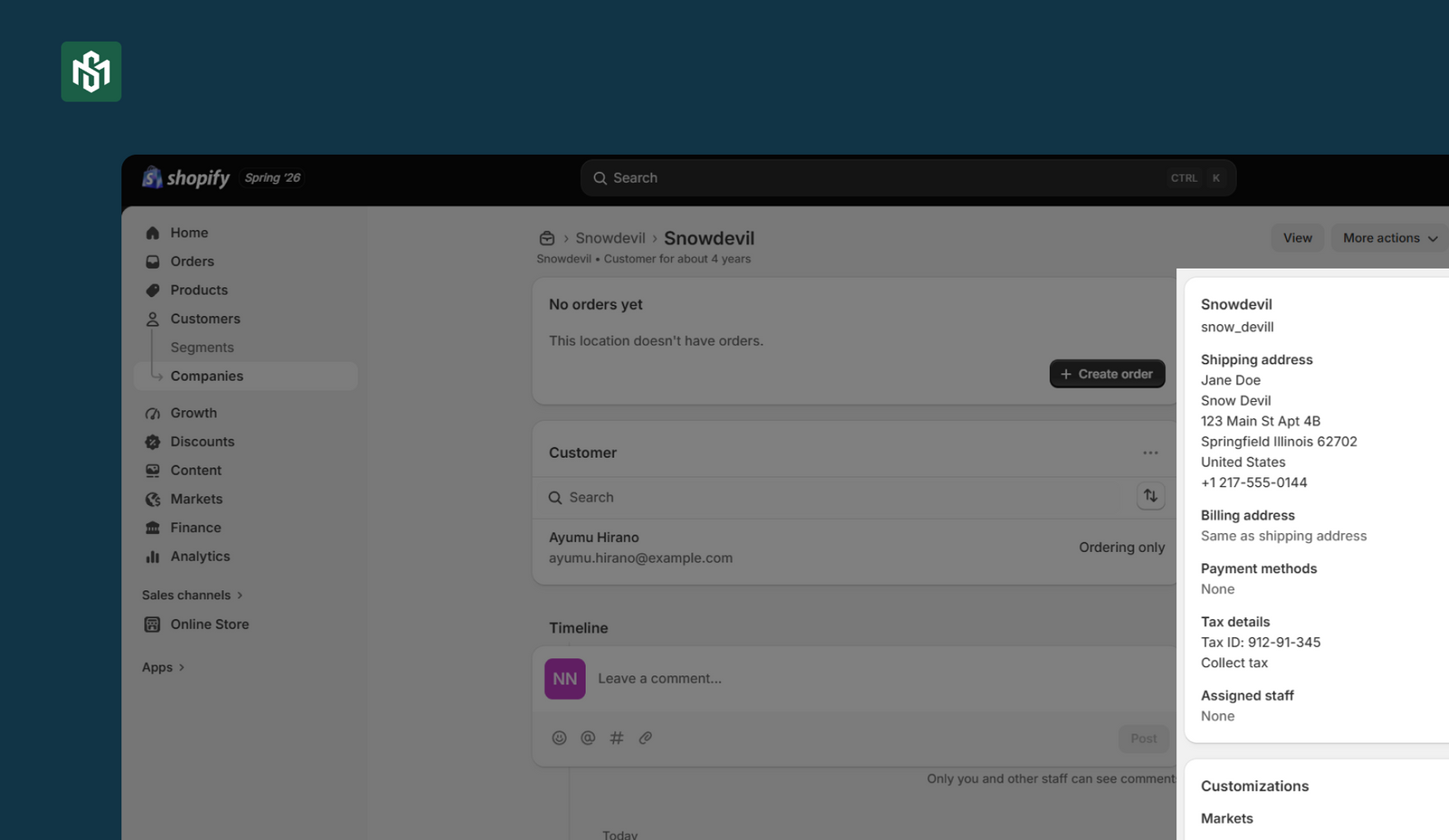
In Shopify B2B, your wholesale accounts are organized in a two-level hierarchy:
Company: the parent organization. Example: “ABC Retail Group.”
Company Location: the specific business entity within that company. Example: “ABC Retail – New York” or “ABC Retail – Los Angeles.”
Each company location gets its own:
- Shipping and billing address
- Tax ID and tax exemption status
- Payment terms
- Pricing catalog
- Contacts with individual login credentials and permissions
When a B2B buyer logs in and has access to multiple locations,it will automatically route the order to the correct account, terms, and pricing.
Step 4: Build Customer-Specific Catalogs & Pricing
One-size-fits-all pricing doesn’t work in wholesale. Never has. The platform needs to reflect the reality of how B2B pricing actually works.
Here’s what a complete pricing setup looks like
Customer-specific catalogs
Control exactly which products each buyer can see and purchase. An account in one region or channel type sees a different product range than an account in another.
Volume pricing
Quantity-based price breaks that incentivize larger orders. Displayed automatically on product pages and in the cart when a buyer hits a threshold.
Quantity rules
Control the minimums, maximums, case packs per product and per customer. For example, wholesale buyers order in cases of 12; your DTC customers can order one. Enforced automatically.
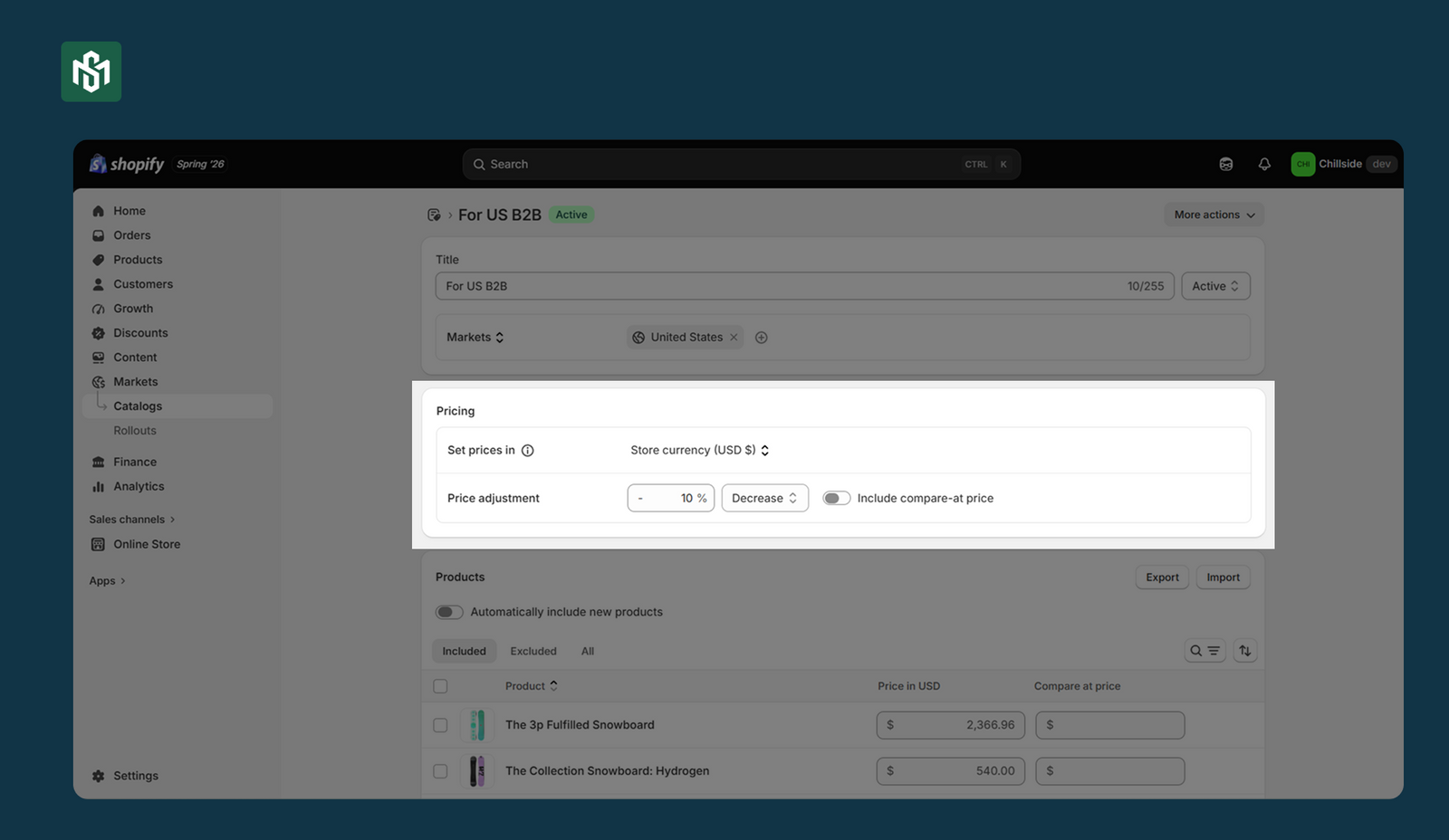
In Shopify B2B, a catalog controls two things: which products a buyer can see, and what prices they pay. You can assign up to 25 catalogs to a single company location. When multiple catalogs contain the same product at different prices, Shopify automatically shows the buyer the lowest price.
Two ways to assign catalogs:
- Via Markets (all plans): Group buyers by region or segment and assign one catalog to the whole group. Best when you offer the same pricing structure to multiple accounts.
- Direct to Company Location (Plus only): You can assign a unique catalog directly to each individual company location. Best when every account has their own negotiated pricing.
Step 5: Enable Self-Serve Purchasing
This is the most important step.
Businesses that adopt self-serve B2B see up to 33% more orders within 12 months and up to a 4.1x increase in reorder frequency compared to DTC orders.
Without self-serve, every order requires a phone call, email, or sales rep. With it, your buyers place orders, reorder, track shipments, and manage their accounts 24/7 without touching your team.
Here’s how to set it up correctly on Shopify:
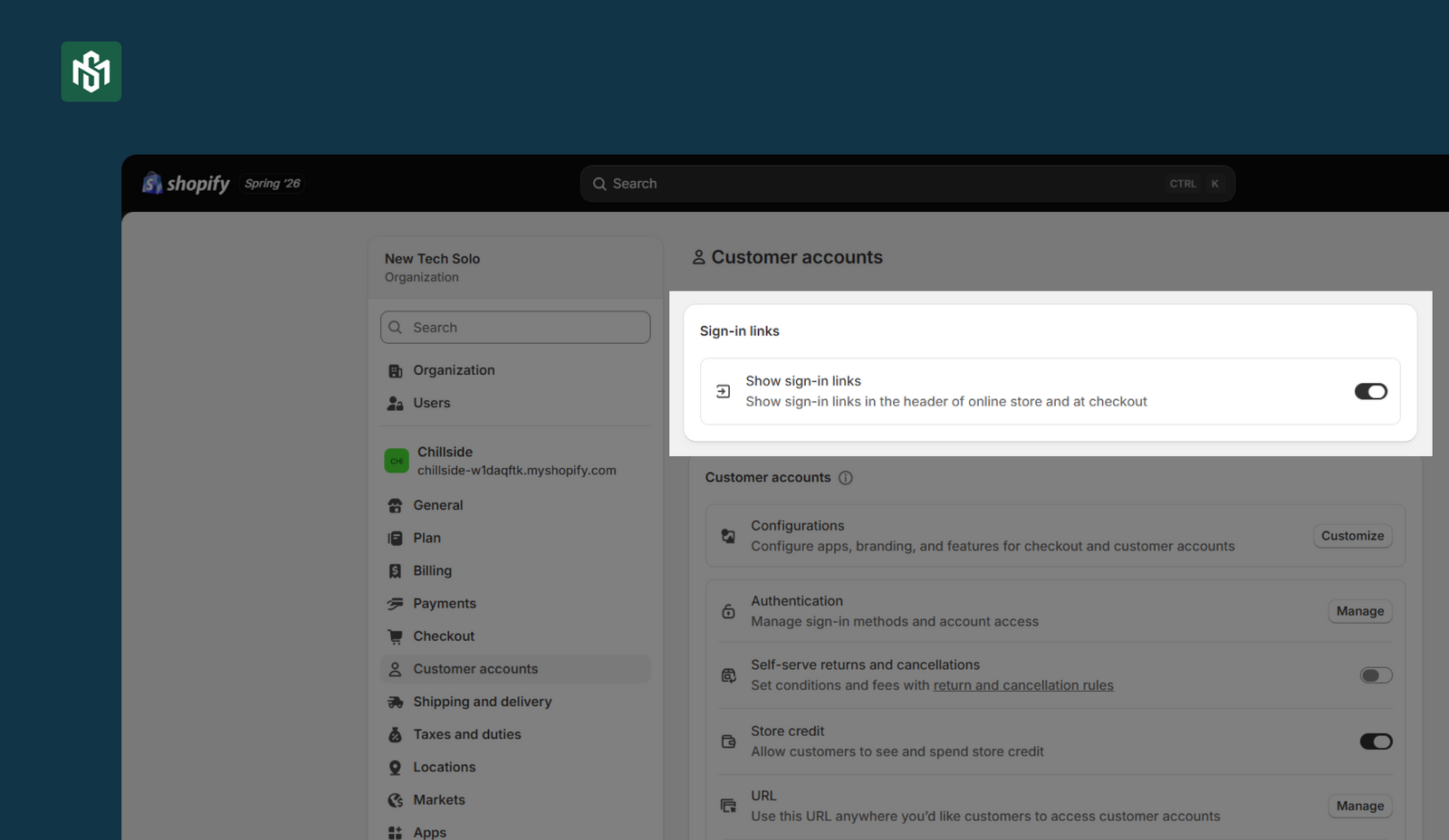
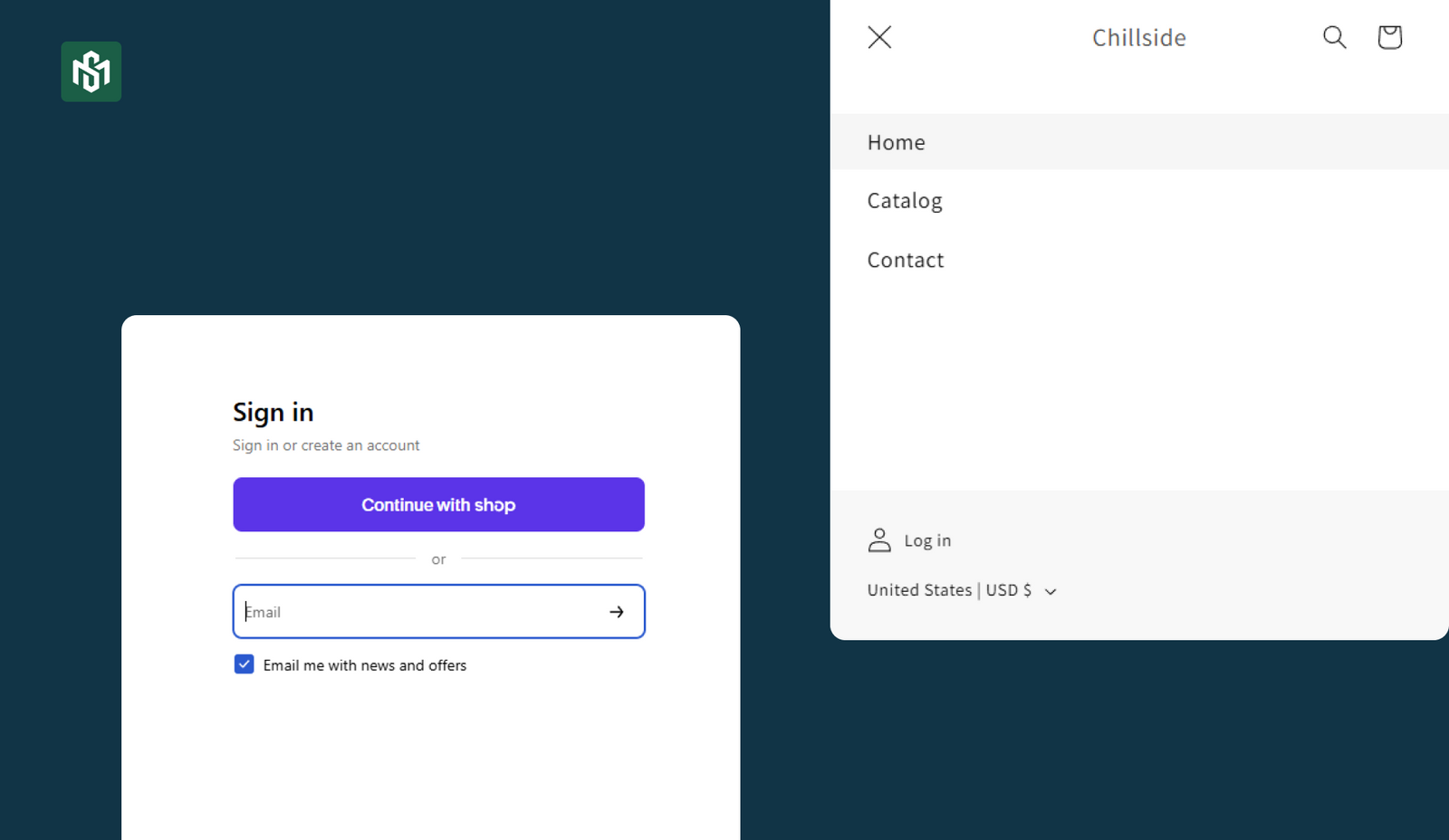
Activate Customer Accounts
From your Shopify admin, go to Settings → Customer accounts → Turn on Show sign-in links to add a login link to your store header and checkout
Add the Login URL (Blended Stores)
If you run a blended B2B + DTC store and want to keep legacy accounts for DTC customers, you can manually add the B2B login URL to your navigation menu, footer, or a dedicated wholesale landing page without switching all customers over to the new account system.
Customize the Checkout and Account Experience
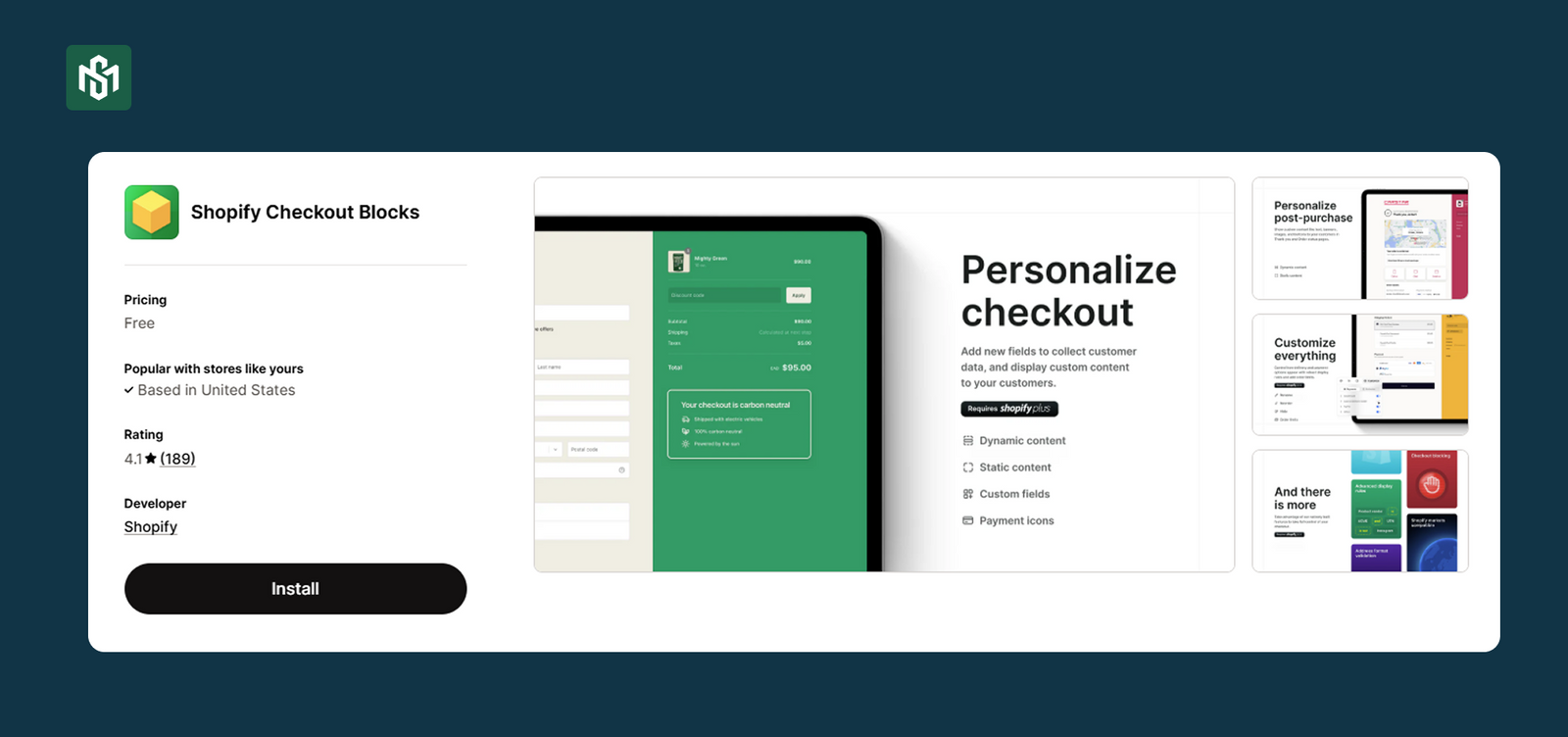
Use the Checkout Blocks app (free) to hide, rename, or reorder payment and shipping methods for specific buyer types. For example: show bank transfer only to B2B buyers, hide it from DTC customers.
Let Buyers Request Wholesale Access
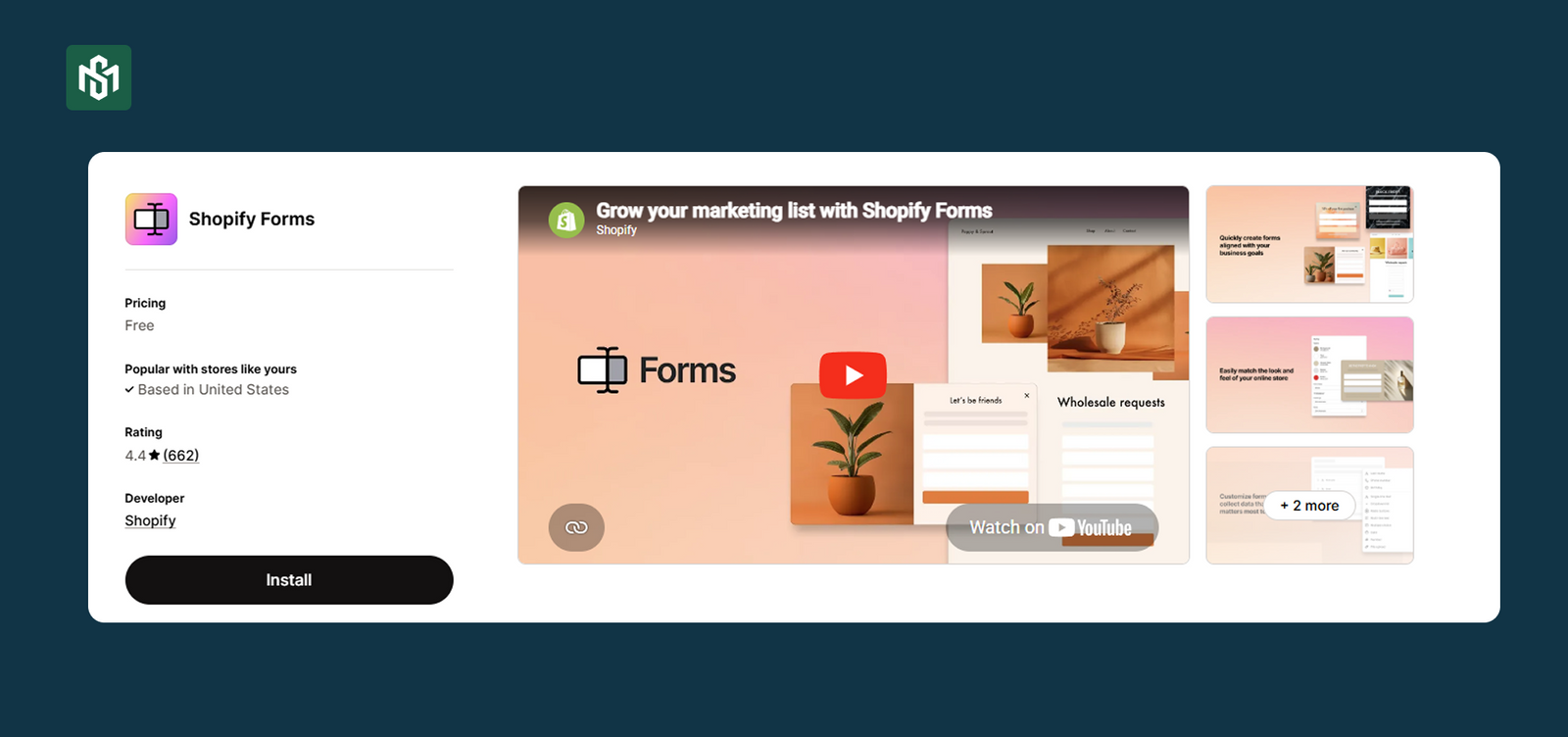
Instead of manually adding every new wholesale account, install the free Shopify Forms app to add a company account request form to your storefront. When a prospective buyer submits the form, their info is saved as a company account automatically, you approve it, and they’re in.
Step 6: Streamline Your Checkout & Payment Terms
B2B checkout is more complex than DTC. Get it right and it removes friction. Get it wrong and you lose orders that were already won.
Here’s what a complete B2B checkout setup covers:
Payment Terms
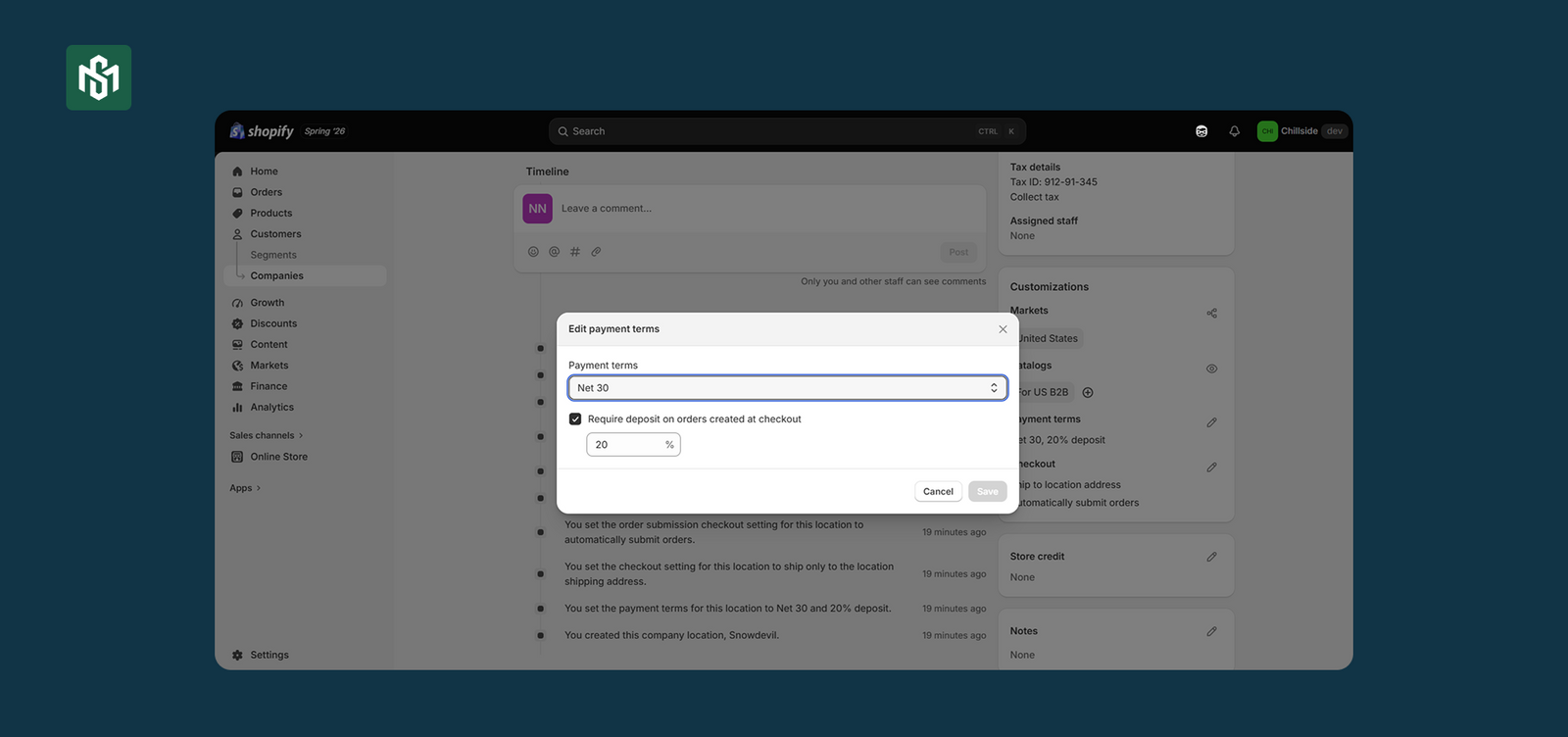
Assign payment terms per company or per company location. Available options in Shopify B2B:
- Net 7, Net 15, Net 30, Net 45, Net 60, Net 90
- Due on fulfillment
- Due on receipt
Terms are assigned at the account level and applied automatically when that buyer checks out. No manual adjustment required.
Deposits (Shopify Plus Only)
For high-value orders where you want partial payment upfront, set a percentage-based deposit requirement at the company level or per location. Buyers pay the deposit at checkout by credit card or manual payment. Order status changes to Partially paid in your admin automatically.
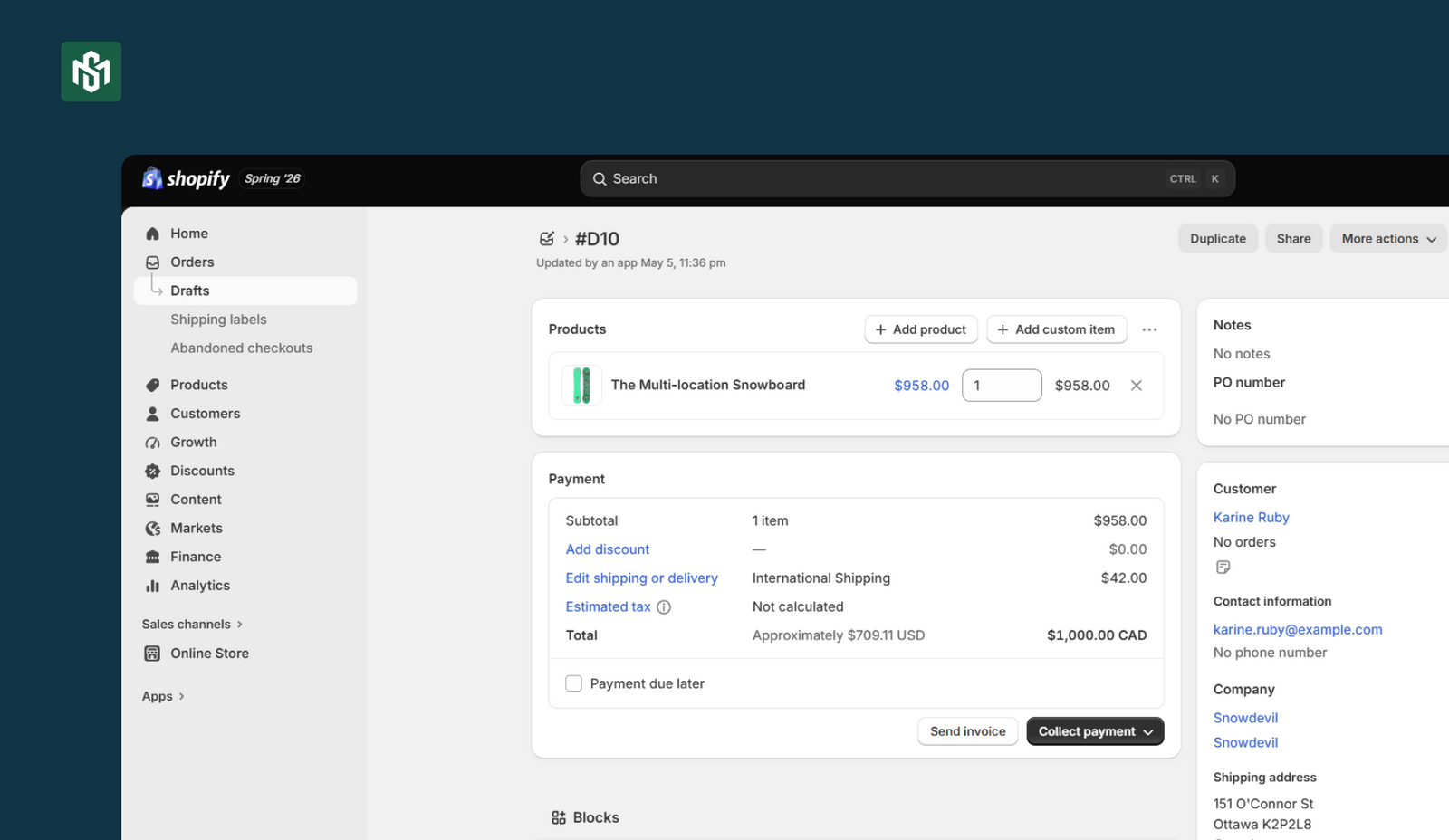
Draft Orders and Order Review Workflow
For complex orders you want to review before confirming, configure company locations to submit all orders as drafts.
Draft orders let you:
- Review and edit before approving
- Lock prices so they don’t change if you update pricing later
- Reserve inventory while the order is pending
- Add a PO number
- Send an invoice to collect payment
- Negotiate with the buyer before finalizing
The Buyer Checkout Experience
When a B2B buyer checks out, they get a one-page checkout that auto-populates their company-specific details:
- Payment terms, shipping address, and billing address pre-filled
- PO number field for their internal purchase order reference
- Option to ship to a one-time address without saving it permanently
No re-entering information on every order. No friction.
Automate Payment Reminders
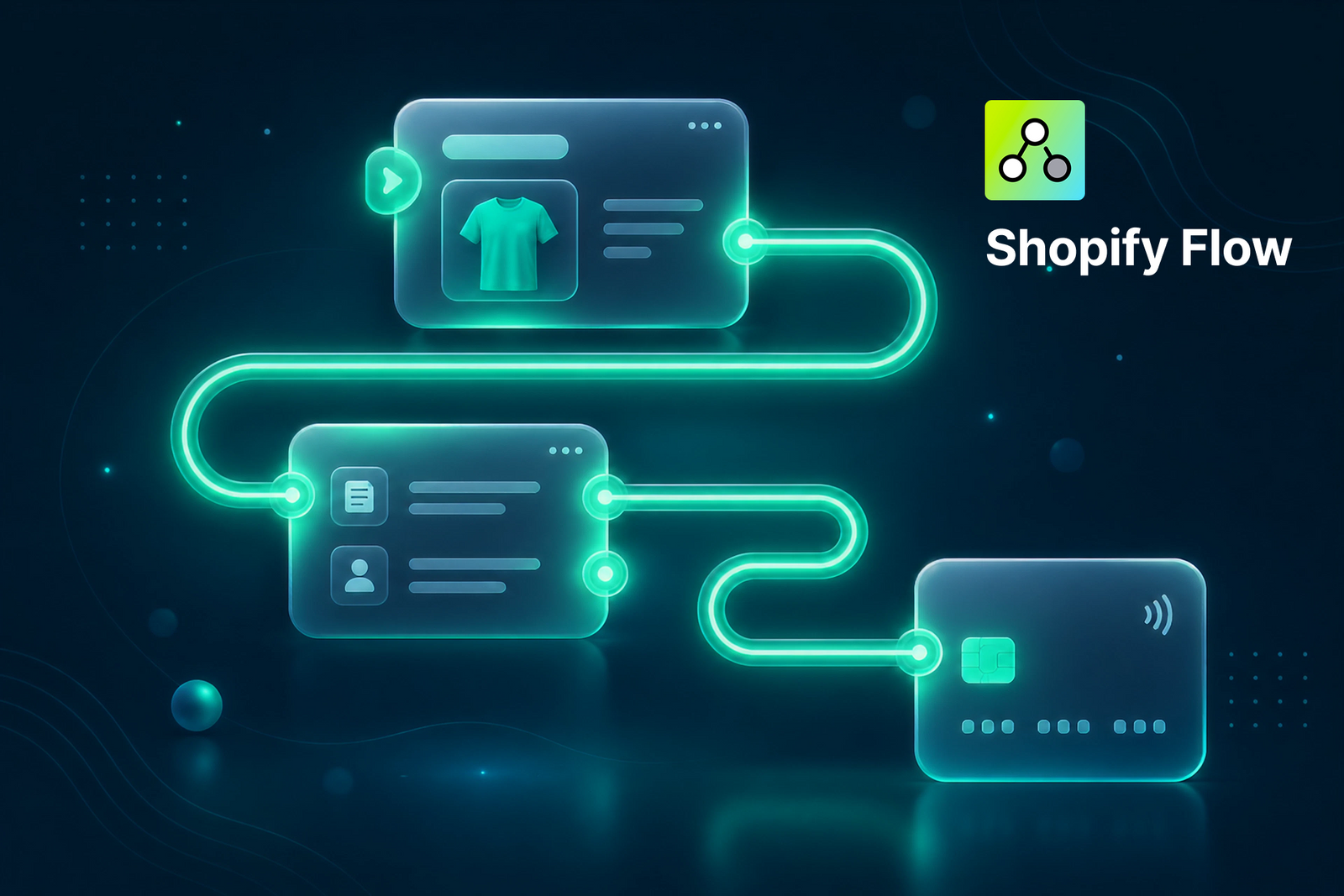
Use Shopify Flow to send automated payment reminders instead of manually chasing overdue invoices. Pre-built Flow templates handle:
- Payment reminders when an order becomes due
- Invoices sent to multiple email addresses on fulfillment
- Automatic B2B order tagging
- Internal team notifications when a new B2B order is placed
Step 7: Automate Your Operations
Manual processes are the number one growth ceiling for wholesale businesses.
Every order that requires a human touchpoint is a bottleneck. Every invoice sent manually is time that could be spent growing accounts. Every new account request that sits in an inbox waiting for approval is a prospective buyer who may give up and go elsewhere.
Use Shopify Flow to automate the operational layer:
- Auto-tag orders by company, region, or account tier the moment they’re placed. No manual sorting
- Route orders to the correct warehouse or fulfillment team automatically based on account or location
- Send invoices to multiple contacts at the buyer’s company on fulfillment without a manual step
- Notify sales reps when their assigned accounts place orders
- Approve new company account requests automatically for accounts that meet your criteria
Step 8: Empower Your Sales Team to Work Digitally
Your sales reps shouldn’t be doing manual data entry. That’s not what you hired them for.
Give your team the tools to work effectively inside the platform:
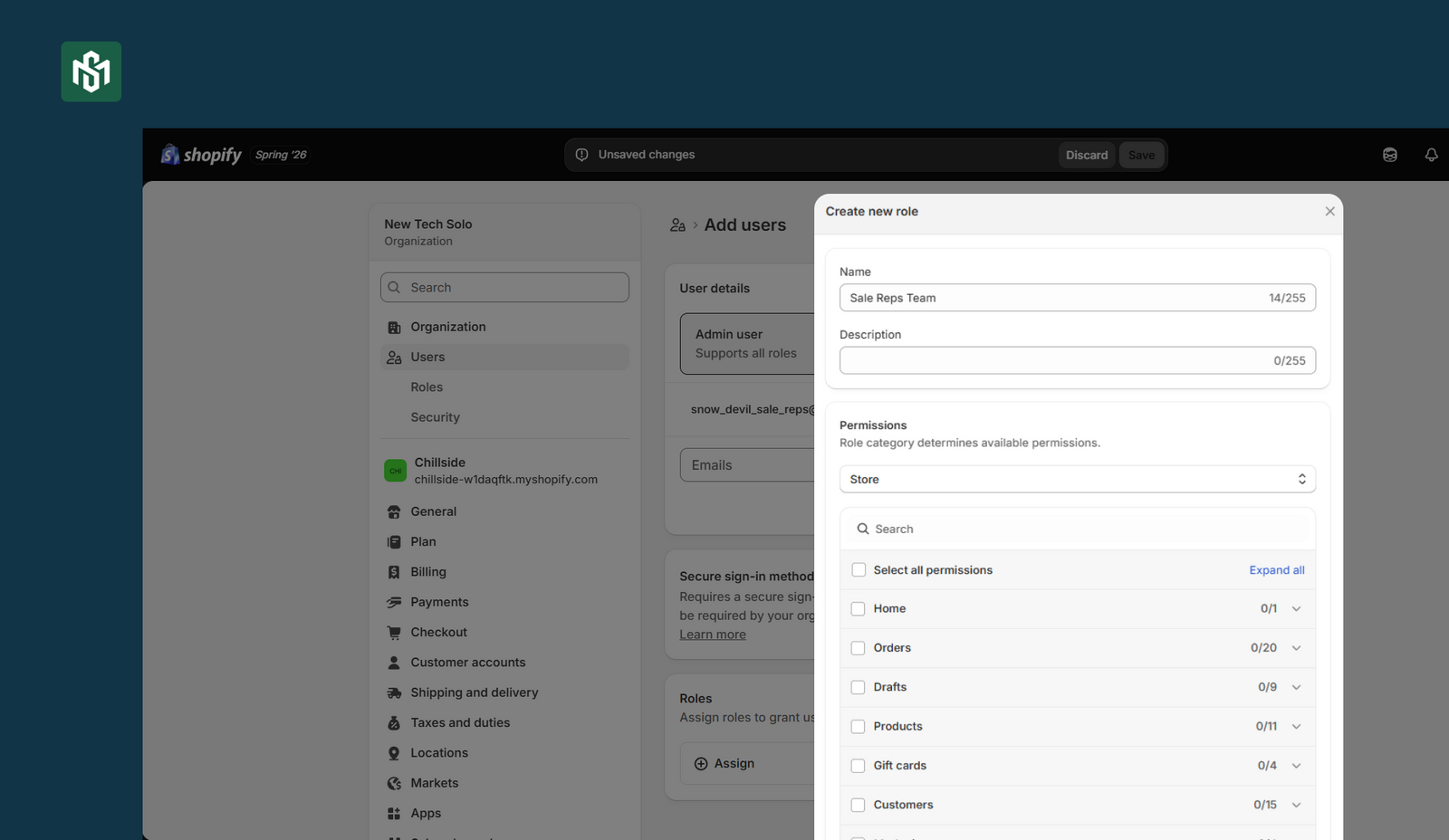
- Permission-based access where each rep sees only their assigned accounts, with full visibility into orders, invoices, and account status
- Place orders on behalf of buyers where reps can build carts, create draft orders, and check out on behalf of an account directly from the admin. No back-and-forth emails, no manual order entry
- Central hub for reporting where reps see order history, outstanding invoices, and account health without needing a separate CRM view
- Draft order management to create and negotiate orders for complex accounts without disrupting the standard self-serve checkout flow
The result: reps spend their time on relationship-building and account expansion, not on transcribing orders that buyers could have placed themselves.
Step 9: Personalize the Storefront Experience
The final step and the one that ties everything together.
A personalized storefront means every buyer who logs in sees an experience tailored to their account: their products, their pricing, their currency, their tax treatment, their relevant content.
Here’s what that looks like in practice:
- Localized currency for international wholesale accounts see prices in their local currency automatically
- Tax handling for tax-exempt buyers see prices correctly; VAT-registered buyers see the right invoice format
- Tailored product collections where each buyer segment sees the products relevant to their category or contract, not your full catalog
- B2B-specific content for wholesale program pages, FAQ, policy documents, and product documentation surfaced for business buyers without cluttering the DTC experience
In a blended store, this all happens behind a login. Your DTC storefront stays the same for consumers. Your B2B buyers log in and the store adapts automatically to their account.
The Bottom Line
Starting wholesale ecommerce in 2026 isn’t complex. But it requires building the right components in the right order.
Get your company profiles right and every subsequent step like catalogs, pricing, checkout, personalization. Get self-serve right and your reorder frequency multiplies. Get automation right and your ops team stops processing orders and starts scaling the business.