Here’s the most expensive mistake in ecommerce:
Taking a B2C store, slapping a “request a quote” button on it, and calling it B2B.
It doesn’t work. And if you’ve ever wondered why your B2B portal has low adoption, frustrated buyers, or a sales team that keeps bypassing the platform. This is probably why.
B2B and B2C ecommerce both move a buyer from discovery to checkout. But who that buyer is, how they decide, what they pay with, and what the platform needs to do are completely different.
In this guide, I’m going to walk you through EXACTLY the 7 critical differences between B2B and B2C ecommerce and show you what each one means for your platform, your UX, and your sales process.
Let’s dive right in.
Difference #1: Who’s Actually Buying (And Why It Changes Everything)
This sounds obvious. But most ecommerce teams don’t fully grasp what it means in practice.
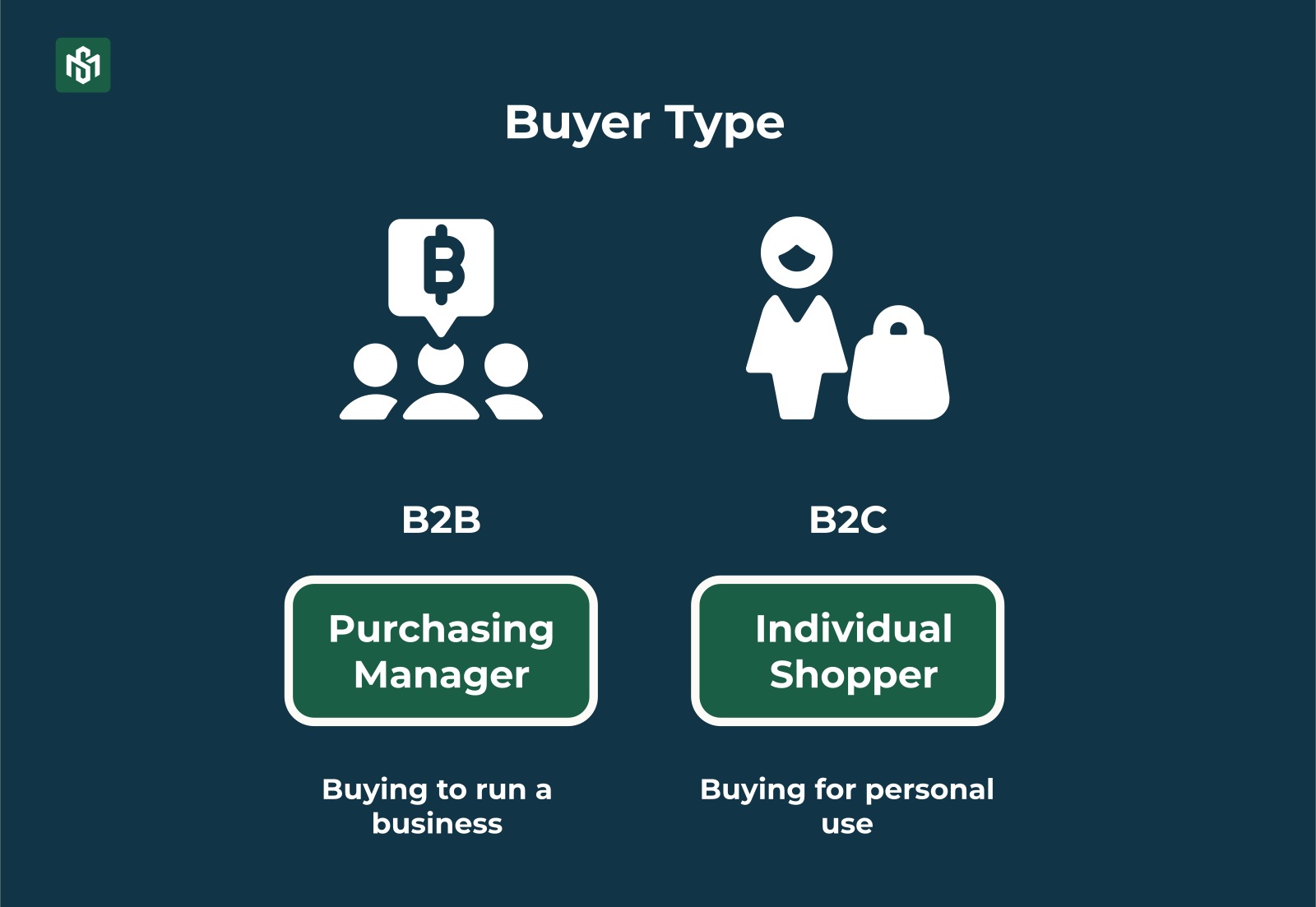
- B2B: Your buyer is a procurement team, a purchasing manager, or a sourcing department at a manufacturer, retailer, wholesaler, or corporation. They’re embedded in a supply chain. They’re buying to run a business not for themselves.
- B2C: Your buyer is an individual shopping for personal or household use. Fashion, electronics, groceries. One person, one decision, one delivery address.
Here’s why this matters so much.
In B2C, you’re marketing to and selling to the same person. In B2B, the person browsing your catalog, the person approving the order, and the person receiving the shipment are often three completely different people inside the same company.
That single fact drives nearly every other difference on this list.
Difference #2: Order Size, Volume, and Frequency
In B2C, a great order might be $150. A really great order might be $500.
In B2B, a single order can be $50,000. And that same customer will place that order again next month.
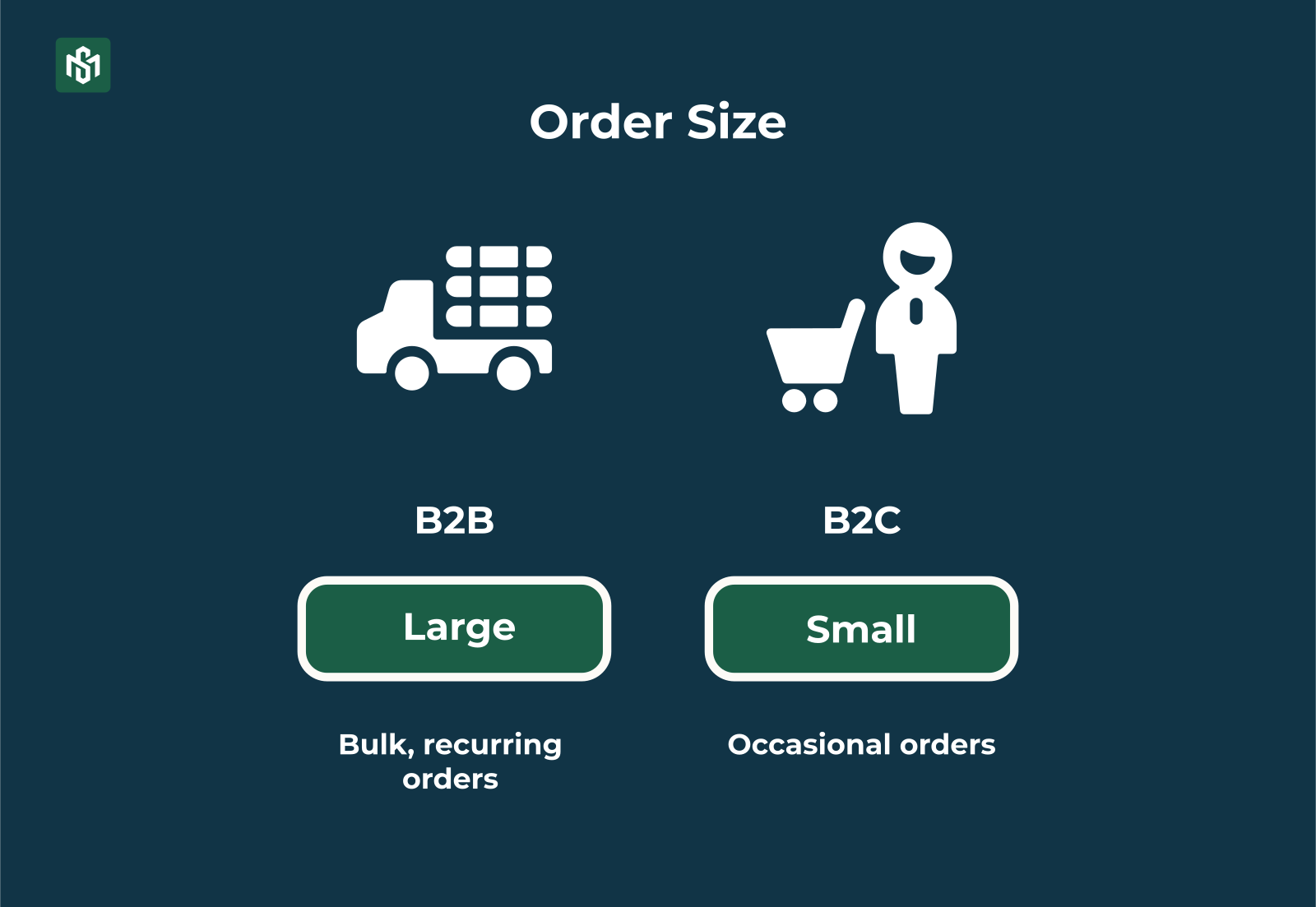
- B2B orders are large, bulk, and recurring. They’re tied to replenishment cycles, production schedules, and annual contracts.
- B2C orders are smaller baskets, more occasional, and driven by individual needs or wants rather than formal purchasing cycles.
This difference has a direct impact on your business math. In B2B, losing one customer doesn’t mean losing one transaction. It means losing years of recurring revenue.
That’s why B2B platforms obsess over quick reorder, saved order lists, and standing order schedules, because making reordering frictionless is directly tied to retention.
Difference #3: The Buying Process
This is where B2B and B2C diverge most dramatically.
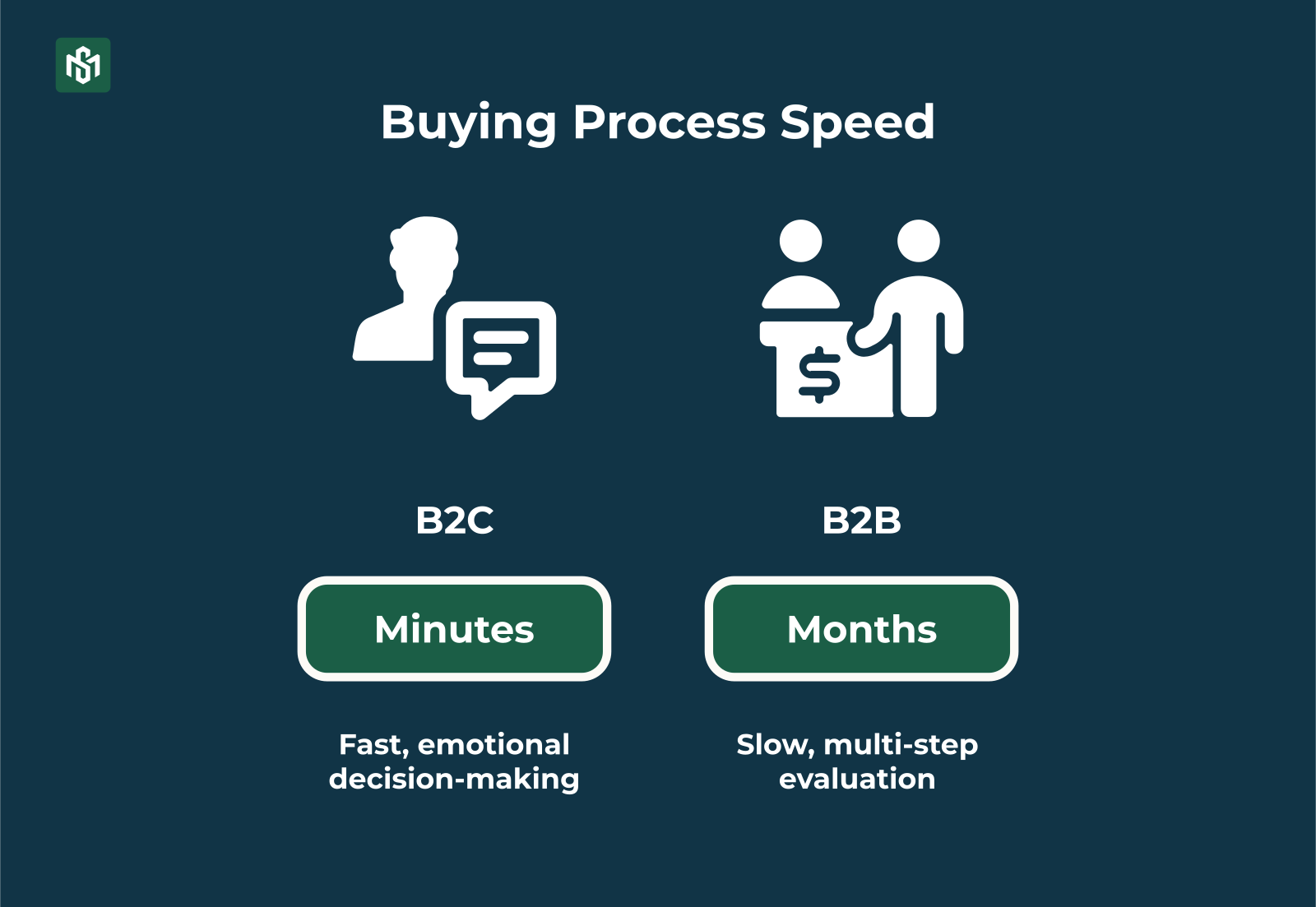
- B2C buying is fast. One person decides, often in minutes. Sometimes in seconds. Emotion plays a huge role for something like a compelling photo, a discount badge, social proof from reviews.
- B2B buying is the opposite. It’s multi-step: research, request for quotation, internal approvals, and sometimes months of evaluation involving procurement, finance, technical teams, and management all before a single order is placed.
In fact, the bigger the order, the more stakeholders get involved. A $500K equipment purchase might require sign-off from five different people across three departments.
That means B2B marketing can’t “trigger desire and drive quick conversion” like B2C. It has to support a long, rational buying cycle providing ROI calculators, comparison specs, compliance documentation, and content that helps a procurement team justify a decision to their CFO.
Difference #4: Pricing
In B2C, pricing is simple. Everyone sees the same price. Maybe a coupon code. Maybe a sale banner.
B2B pricing is fundamentally different and it’s one of the most technically complex parts of building a B2B ecommerce platform.
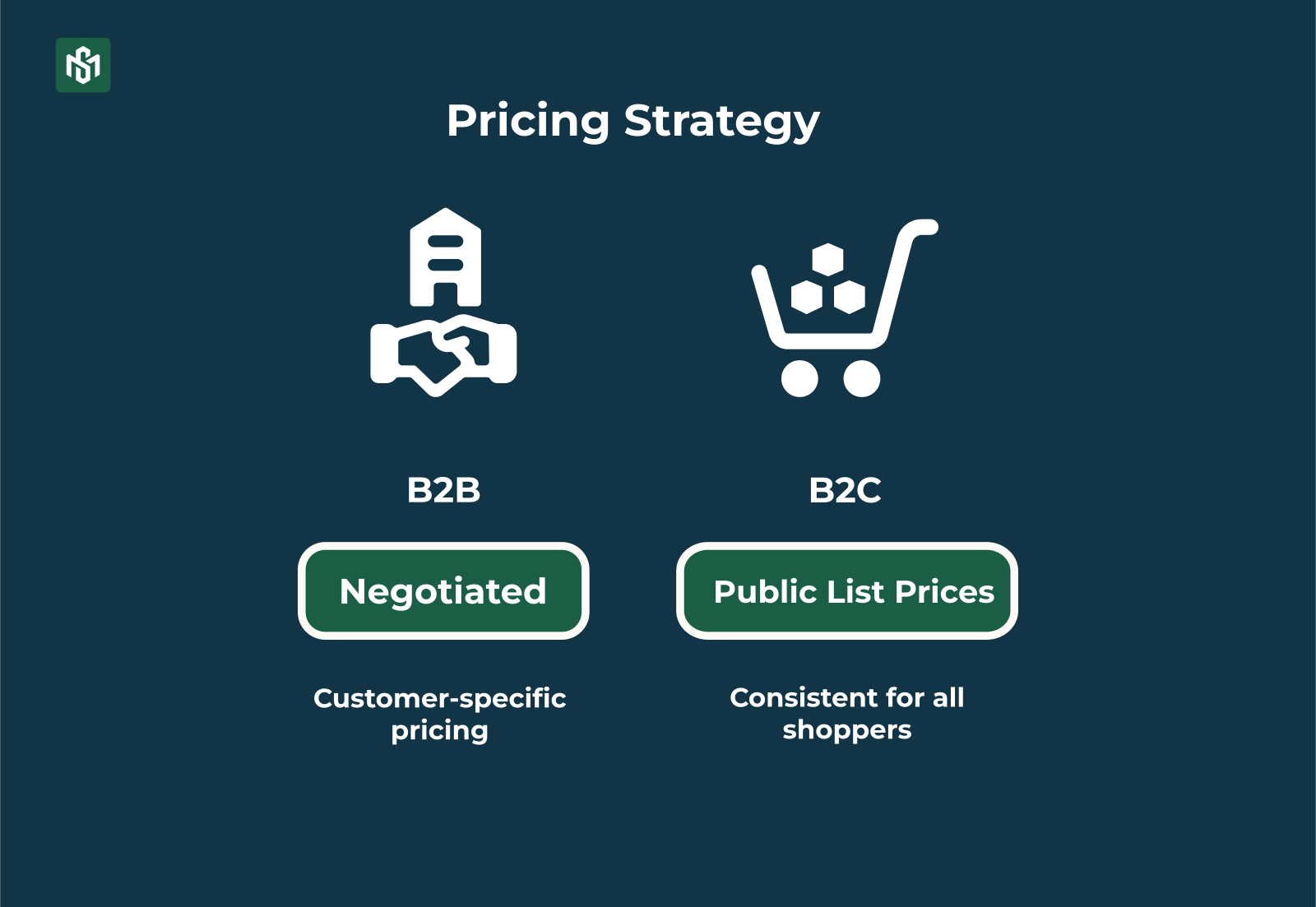
- B2B pricing is negotiated and customer-specific. Different accounts see different prices when they log in. A distributor buying 10,000 units gets a different rate than a retailer buying 500. A customer on a 2-year contract gets different terms than a new account.
- B2C pricing is public list prices with promotions or coupons, consistent for all shoppers in a given market segment.
This is why most standard ecommerce platforms built for B2C can’t handle serious B2B use cases out of the box. A platform that shows one price to everyone simply doesn’t work when every account has a different contract.
Difference #5: Payments and Checkout
B2C checkout is an exercise in removing friction. Fewer fields. One-click payment. Visible final price. Cards, digital wallets, all designed for instant, individual payment.
B2B checkout looks nothing like that.
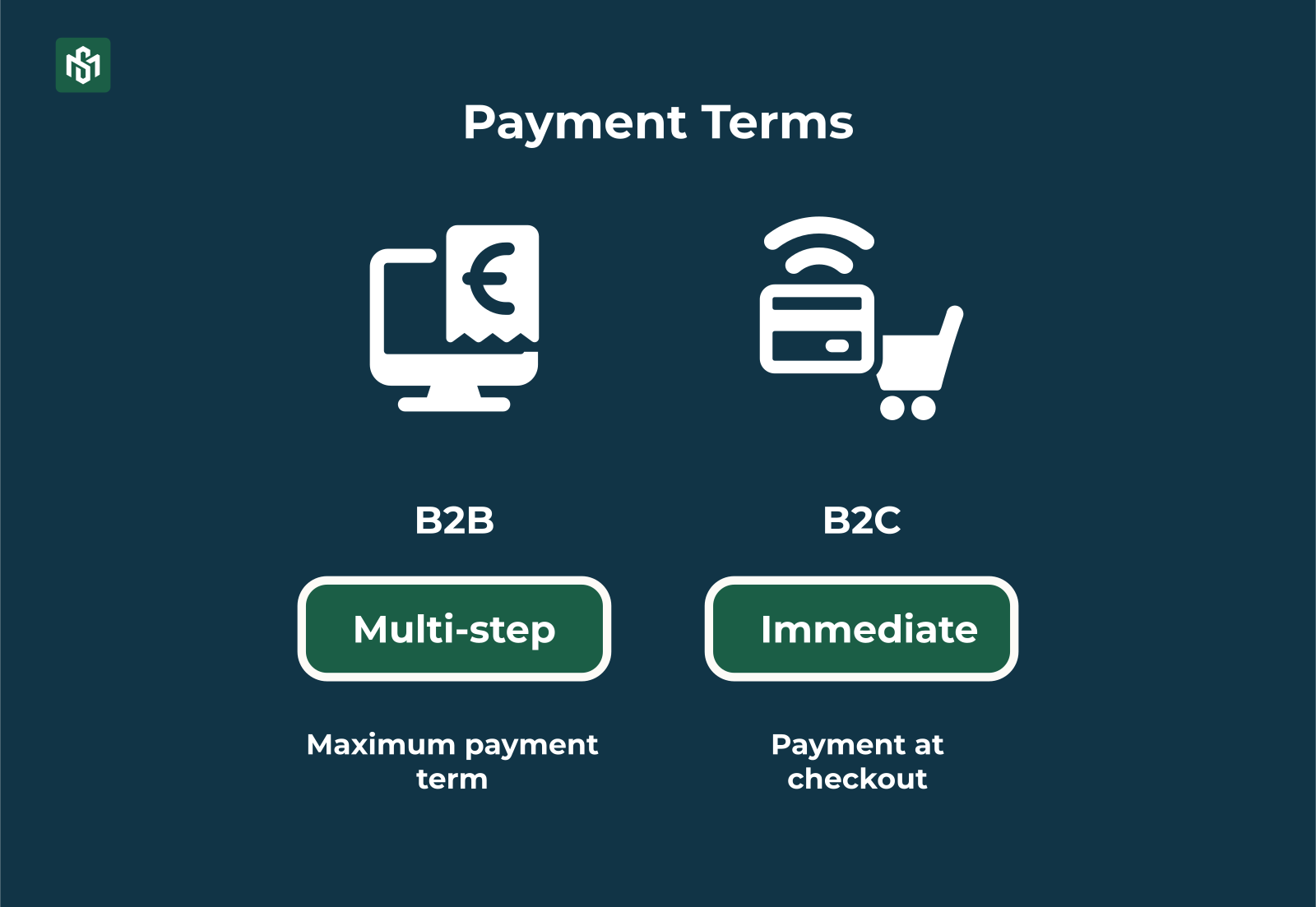
- B2B payment terms include invoices after delivery, Net-30, Net-60, Net-90, bank transfers, corporate credit lines, and purchase orders (POs). Tax-exempt handling is standard for business buyers.
- B2C payment is immediate: cards, e-wallets, COD in some markets. Tax is calculated automatically based on consumer location and applied at checkout.
Difference #6: Logistics and Fulfillment
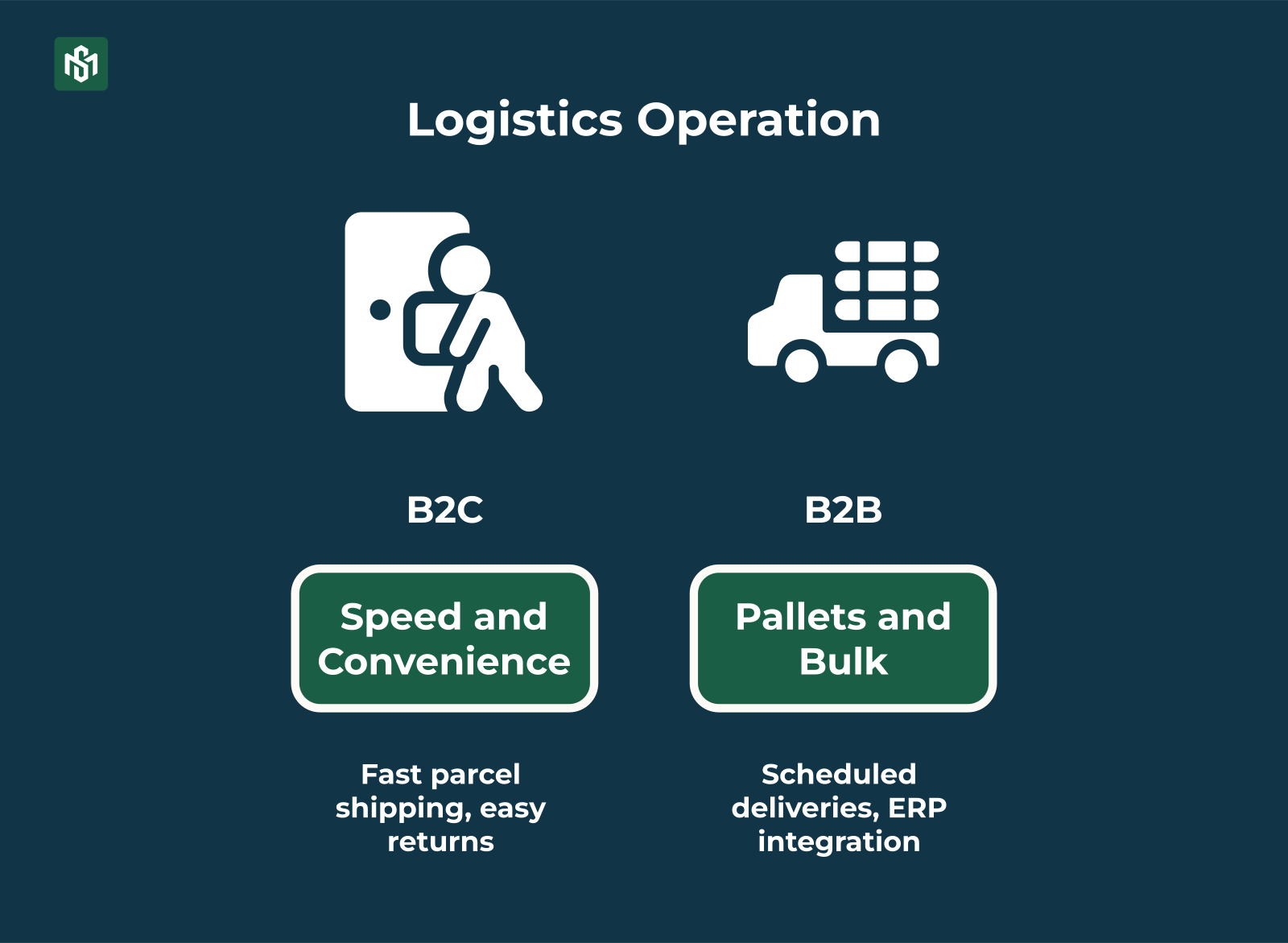
- B2C logistics is built around speed and convenience for individual consumers. Fast parcel shipping. Easy returns. Last-mile delivery to a home address or pick-up point.
- B2B logistics is a completely different operation. It handles pallets, bulk shipments, and container loads. Scheduled deliveries to warehouses and production facilities. Integration with the buyer’s ERP and inventory management systems. Multiple delivery addresses per order, for example one for each branch, job site, or warehouse location.
An error in a B2C fulfillment means a frustrated individual customer.
An error in a B2B fulfillment means a wrong spec, missed delivery window, short shipment.
That’s why B2B fulfillment accuracy and reliability are non-negotiable in a way that B2C fulfillment simply isn’t.
Difference #7: Platform and UX Requirements
Put all six differences above together, and they produce one conclusion:
B2B and B2C ecommerce platforms need to be built differently from the ground up.
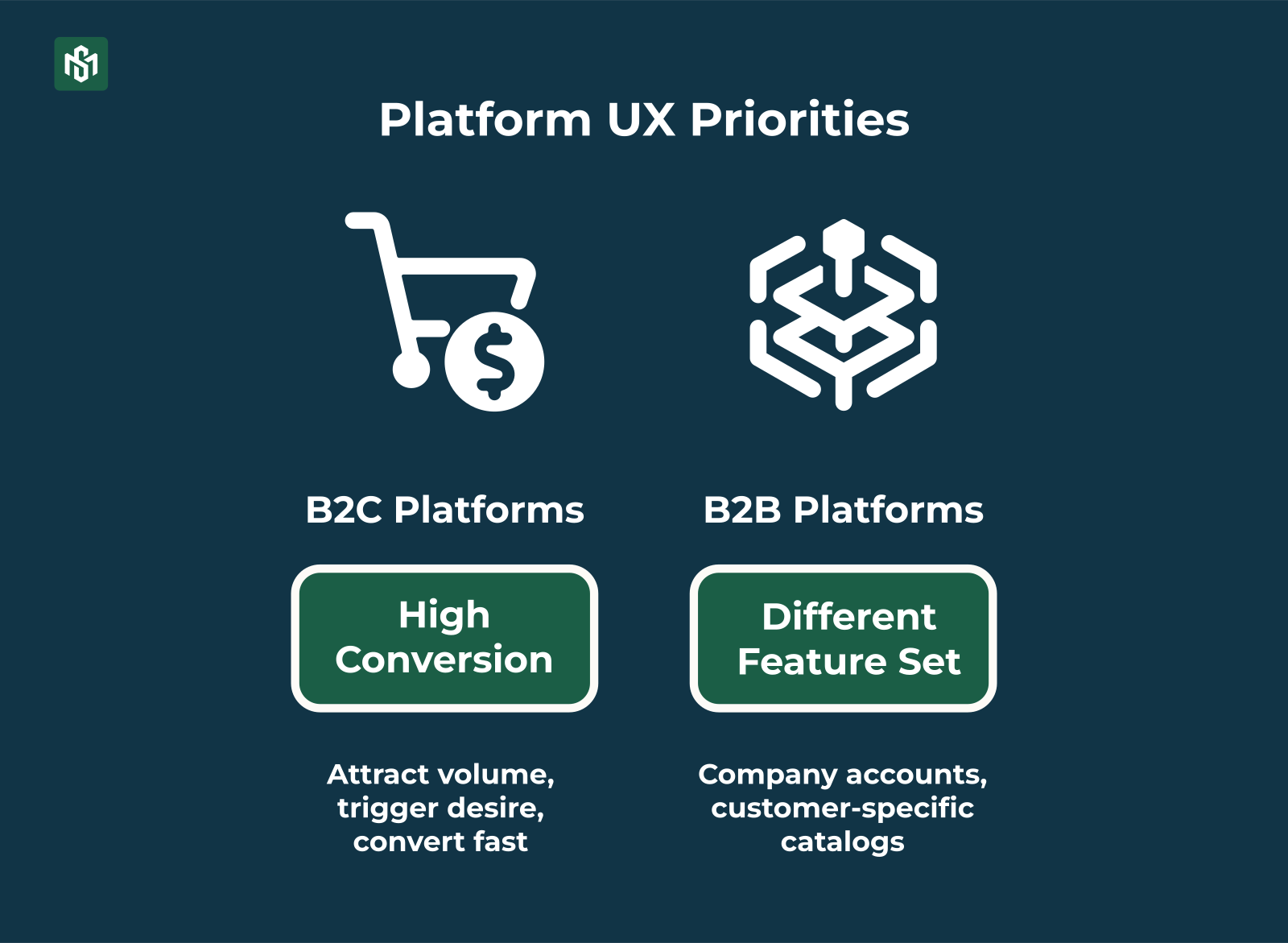
- B2C platforms prioritize high-conversion UX, rich product content, merchandising tools, and marketing automation. The goal is to attract volume, trigger desire, and convert fast.
- B2B platforms need a completely different feature set:
- Company accounts with multiple buyers per account and different permission levels
- Customer-specific catalogs (users only see what their contract allows them to buy)
- Approval workflows and spending limits
- Complex pricing engine for tiered and contract pricing
- Quick order by SKU, CSV upload, and reorder from order history
- ERP/CRM integration for real-time inventory, pricing, and invoice data
- Self-service access to invoices, credit balance, shipment tracking, and contract documents
How B2C Ecommerce Works: The Full Buyer Journey
Let’s make this concrete with a step-by-step look at each model in action.
Here’s the B2C journey:
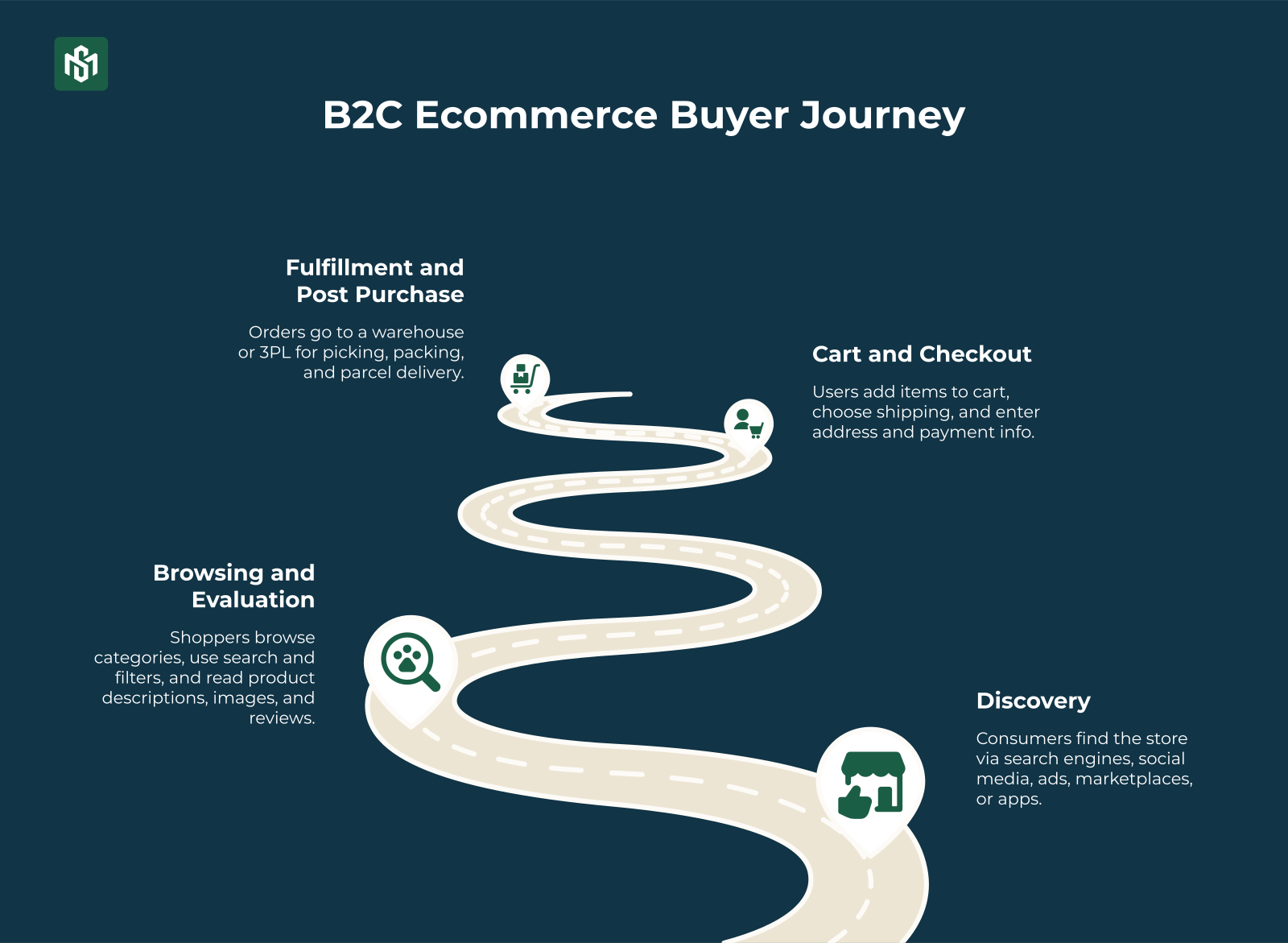
Step 1: Discovery
Consumers find the store via search engines, social media, ads, marketplaces, or apps. The site is optimized for speed, mobile, and SEO to maximize traffic and conversions.
Step 2: Browsing and Evaluation
Shoppers browse categories, use search and filters, and read product descriptions, images, and reviews. The UX drives impulse and recommendations, best-sellers, promotions.
Step 3: Cart and Checkout
Users add items to cart, choose shipping, and enter address and payment info. Payment is immediate: cards, e-wallets, COD, or BNPL. Tax is automated.
Step 4: Fulfillment and Post-Purchase
Orders go to a warehouse or 3PL for picking, packing, and parcel delivery. Customers track orders, request returns, and get retargeted with emails and ads.
How B2B Ecommerce Works: The Full Buyer Journey
The B2B journey is longer and every step is more complex.
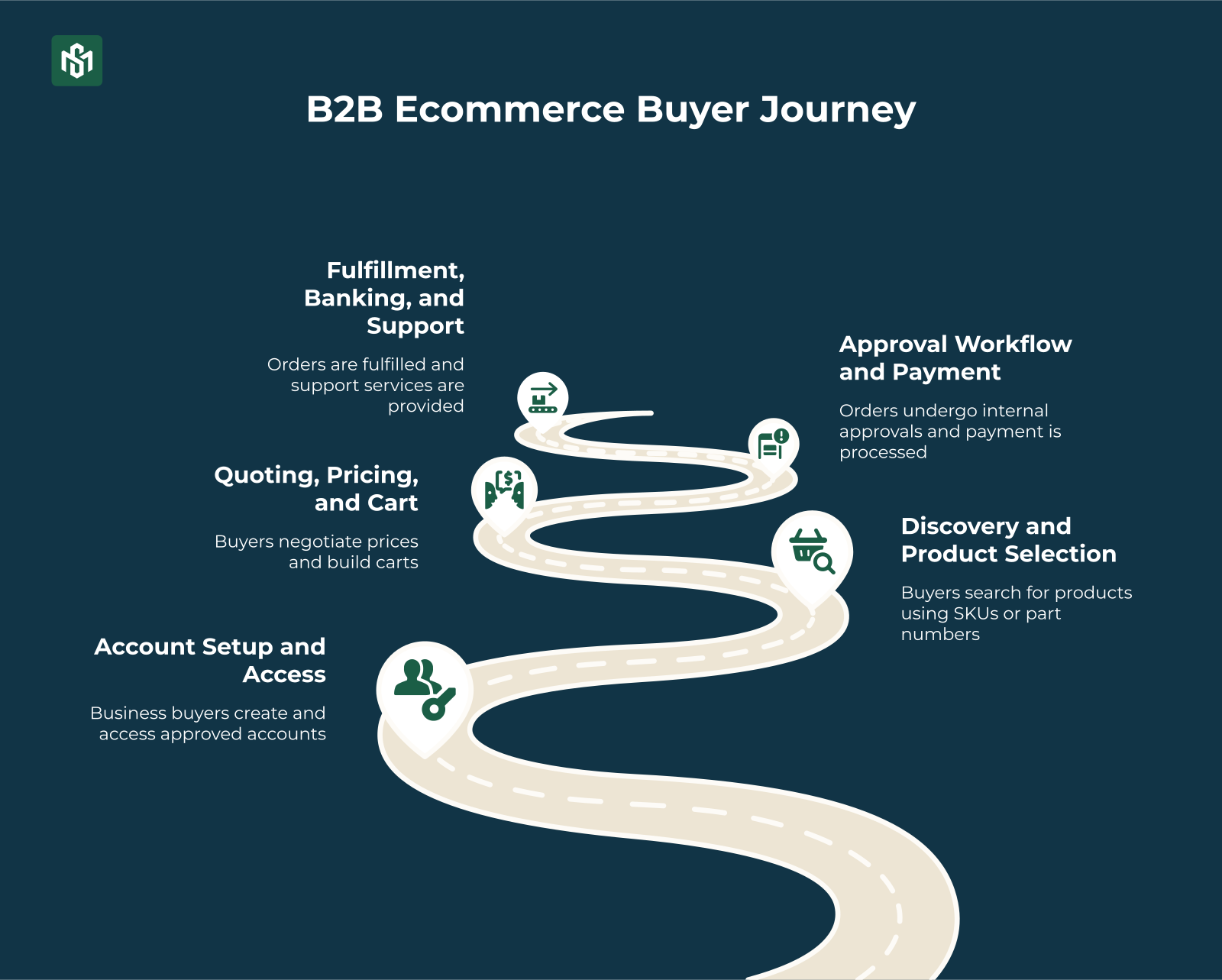
Step 1: Account Setup and Access
Business buyers need an approved account before seeing full catalogs or prices. The platform segments buyers by company, role, and contract each account sees its own products and price lists.
Step 2: Discovery and Product Selection
Buyers usually know the supplier already. They log into a portal instead of shopping around. Search by SKU, part number, or spec. Quick-reorder from previous orders. No impulse, just efficient procurement.
Step 3: Quoting, Pricing, and Cart
Pricing is negotiated and customer-specific including volume discounts, contract terms, live quote requests. Buyers build large or recurring carts, saving multiple lists for different branches or projects.
Step 4: Approval Workflows and Payment
Orders may require internal approvals before submission manager sign-off, finance review, spending limit checks. Payment is on terms: Net-30/60, bank transfer, or corporate credit. Not instant card payment.
Step 5: Fulfillment, Integration, and Repeat Business
Bulk shipments, scheduled deliveries, ERP integration. The portal supports contract renewals, standing orders, and self-service account management, reducing manual work for sales and customer service.
B2B UX vs. B2C UX: The Design Principles That Separate Them
The best B2B ecommerce sites feel as smooth as B2C.
But they’re built around completely different goals.
B2C design optimizes for quick discovery, emotional appeal, and fast conversion. Few clicks to checkout. Strong visuals. Simple choices.
B2B design optimizes for efficiency, accuracy, and repeat workflows for professional buyers who purchase frequently and in bulk.
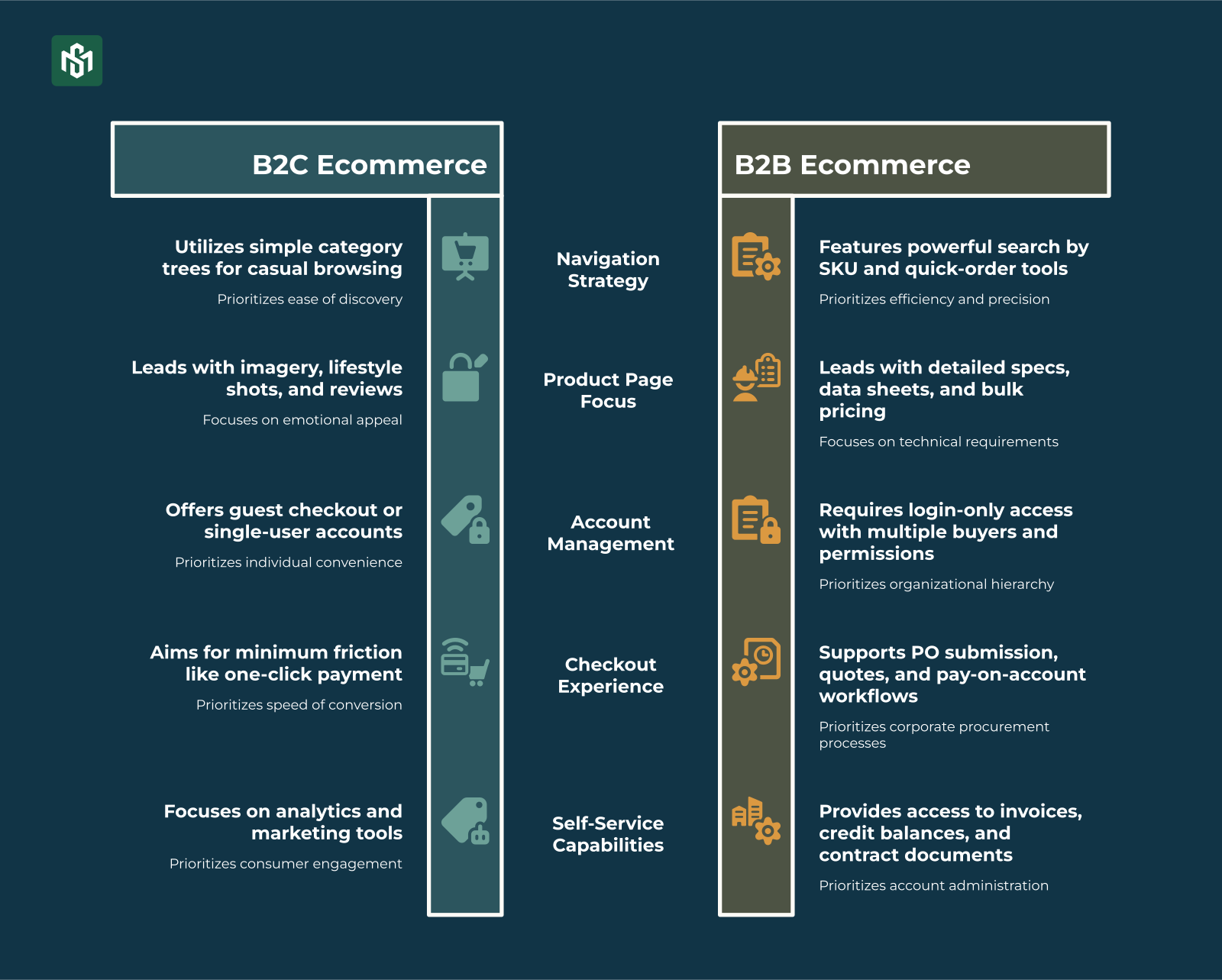
Navigation
B2C sites use simple category trees for casual browsing. B2B sites need powerful search by SKU and part number, plus quick-order tools and reorder from history.
Product pages
B2C pages lead with imagery, lifestyle shots, and reviews. B2B pages lead with detailed specs, compatibility info, data sheets, bulk pricing tiers, MOQs, lead times, and stock by location.
Accounts
B2C offers guest checkout or single-user accounts. B2B is almost always login-only, with company accounts, multiple buyers per account, different permissions, and customer-specific catalogs.
Checkout
B2C aims for minimum friction like short forms, one-click payment. B2B checkout supports “Request Quote,” “Submit PO,” and “Pay on Account,” with a separate UI for approvers.
Self-service
B2C needs good analytics and marketing tools. B2B needs self-service access to order history, invoices, credit balance, shipment tracking, returns, and contract documents, all in one portal.
The Bottom Line
B2B and B2C ecommerce share a browser and a checkout button.
That’s about where the similarities end.
Different buyer. Different decision process. Different pricing. Different payments. Different logistics. Different platform requirements. Different UX principles.
Understanding these 7 differences isn’t just useful for platform selection, it changes how you build your catalog, structure your pricing, design your checkout, and write your marketing.
Get them right, and you build a B2B channel that buyers actually use. Get them wrong, and you end up with a portal that the sales team bypasses and the buyers ignore.
Now you know EXACTLY what to build for.