75% of B2B buyers say they would switch suppliers for a better online buying experience.
Not because of price. Not because of product quality.
Because of the platform.
Most B2B companies don’t lose customers to better competitors, they lose them to competitors with a better portal. And the gap usually comes down to missing features that buyers now consider standard.
So I put together the complete B2B ecommerce platform checklist with 10 feature categories that separate platforms built for serious B2B from ones that will frustrate buyers until they leave.
Run your platform against this list. Every item you’re missing is a retention risk.
Let’s dive right in.
Customization and Personalization
This is where most B2B platforms fall short immediately.
In B2C, everyone sees the same storefront. In B2B, every account should see a storefront built around their specific contract, history, and preferences.
Here’s what a modern B2B platform must support:
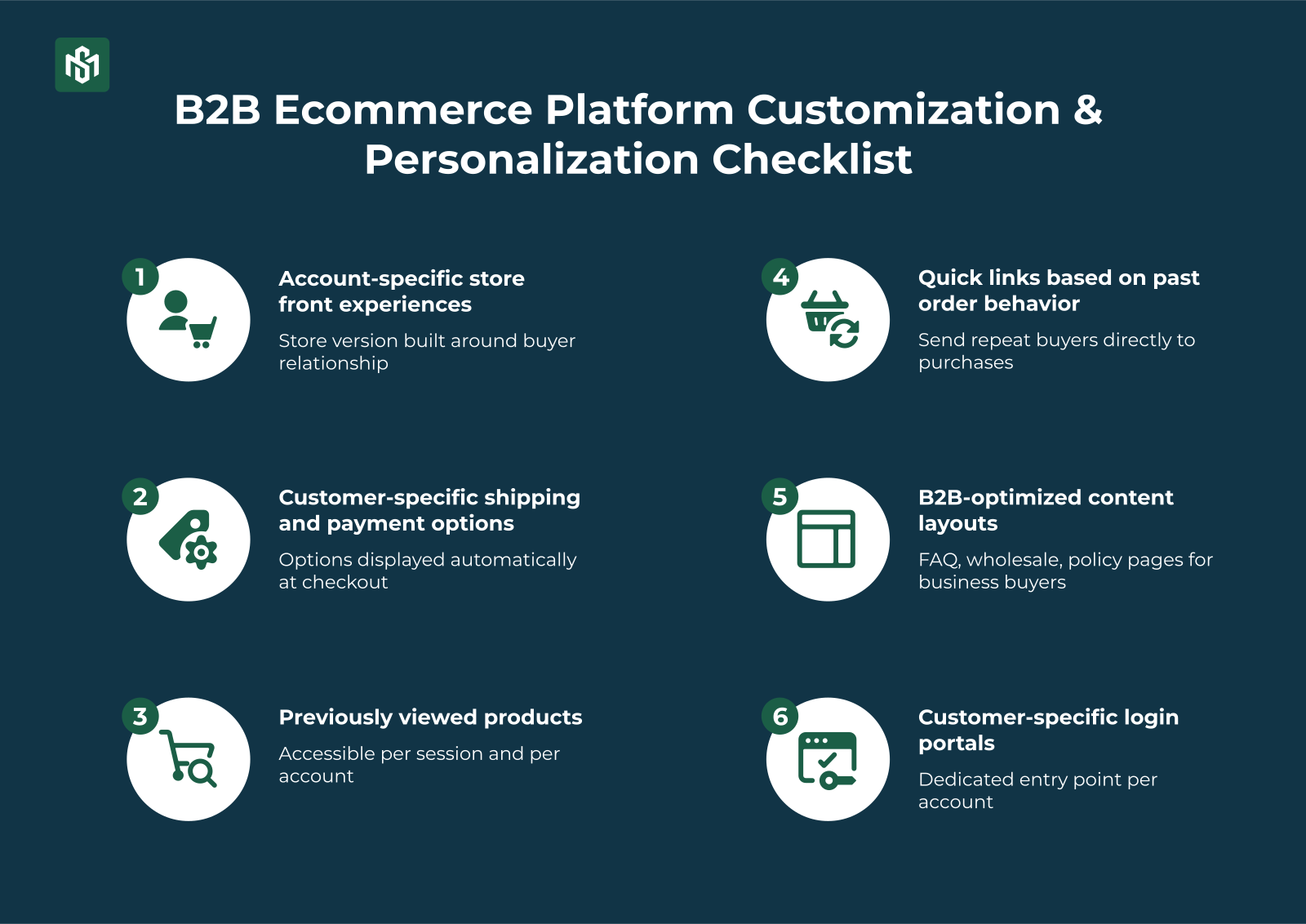
- Account-specific storefront experiences where each buyer sees a version of your store built around their relationship with you
- Customer-specific shipping and payment options displayed automatically at checkout based on account type
- Previously viewed products accessible per session and per account, making return visits faster
- Quick links based on past order behavior to send repeat buyers directly to what they regularly purchase
- B2B-optimized content layouts like FAQ templates, wholesale program pages, policy pages formatted for business buyers, not consumers
- Customer-specific login portals where a dedicated entry point per account, not a generic storefront
Key Takeaway: Personalization in B2B isn’t a marketing add-on. It’s the core architecture. If your platform can’t show different pricing, products, and terms to different accounts, it isn’t a B2B platform.
Self-Serve Features
The majority of B2B buyers prefer to manage their own purchasing without involving a sales rep.
Your platform needs to support completely and without friction.
The self-serve checklist:
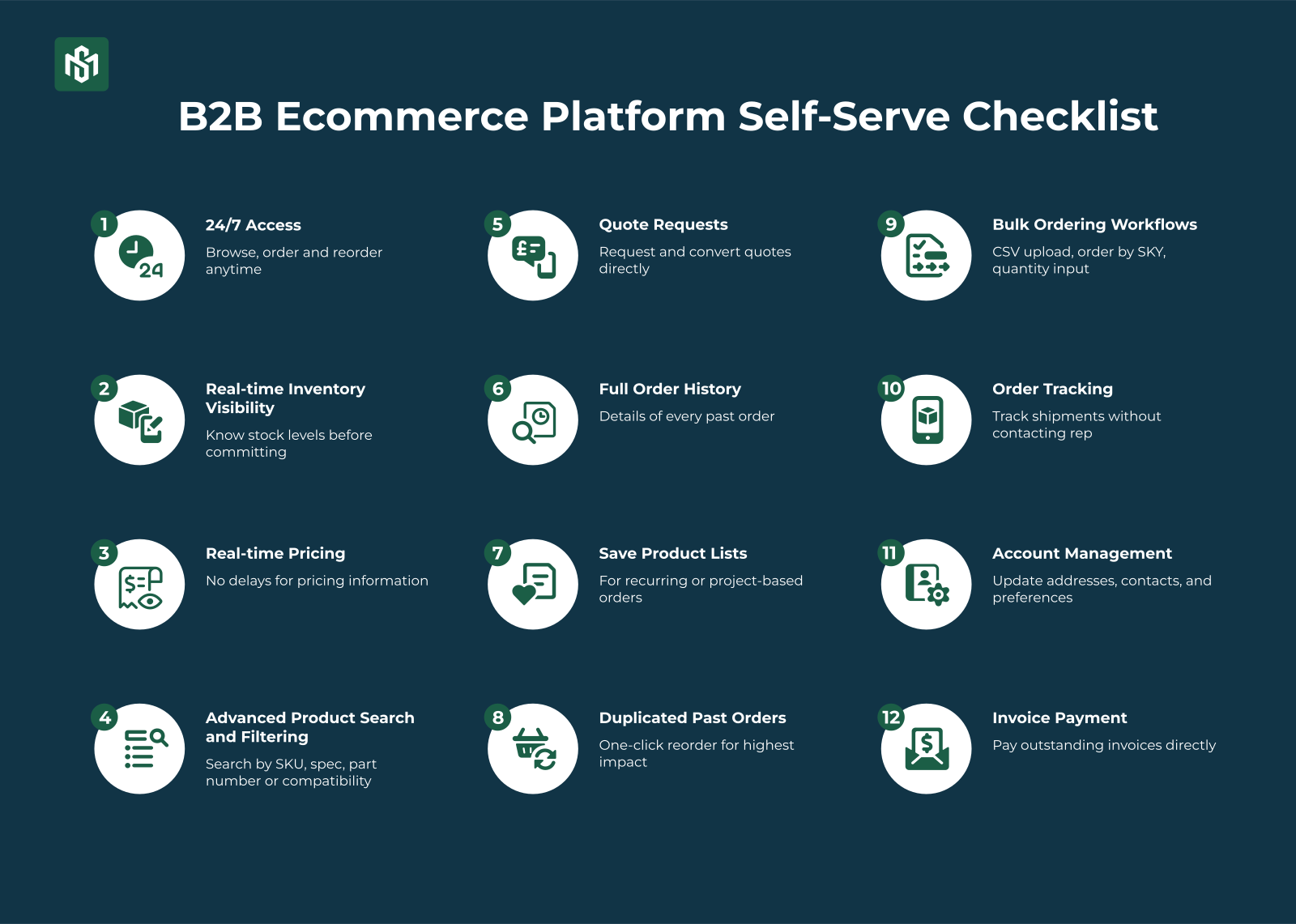
- 24/7 access to browse, order, and reorder without waiting for business hours or rep availability
- Real-time inventory visibility in which buyers need to know what’s in stock before they commit
- Real-time pricing that mean no delays for pricing
- Advanced product search and filtering to search by SKU, spec, part number, or compatibility
- Quote requests in which buyers can request a quote directly in the portal and convert it to an order when approved
- Full order history with details of every past order, every line item, every invoice
- Save product lists for recurring or project-based orders
- Duplicate past orders with one click for the single highest-impact reorder feature
- Bulk ordering workflows like CSV upload, order by SKU, quantity input on list views
- Order tracking in which buyers shouldn’t have to email a rep to find out where their shipment is
- Account management where buyers update their own addresses, contacts, and preferences
- Invoice payment to pay outstanding invoices directly in the portal as they come due
Key Takeaway: Self-serve isn’t a convenience feature, it’s a retention mechanism. Every task a buyer can complete without contacting you is a reason to stay on your platform instead of switching to one that lets them.
B2B Pricing Features
B2B pricing is where generic ecommerce platforms break down completely.
Fixed, public pricing is the B2C model. B2B pricing is rule-based, account-specific, and layered. Your platform needs to handle all of it.
The pricing checklist:
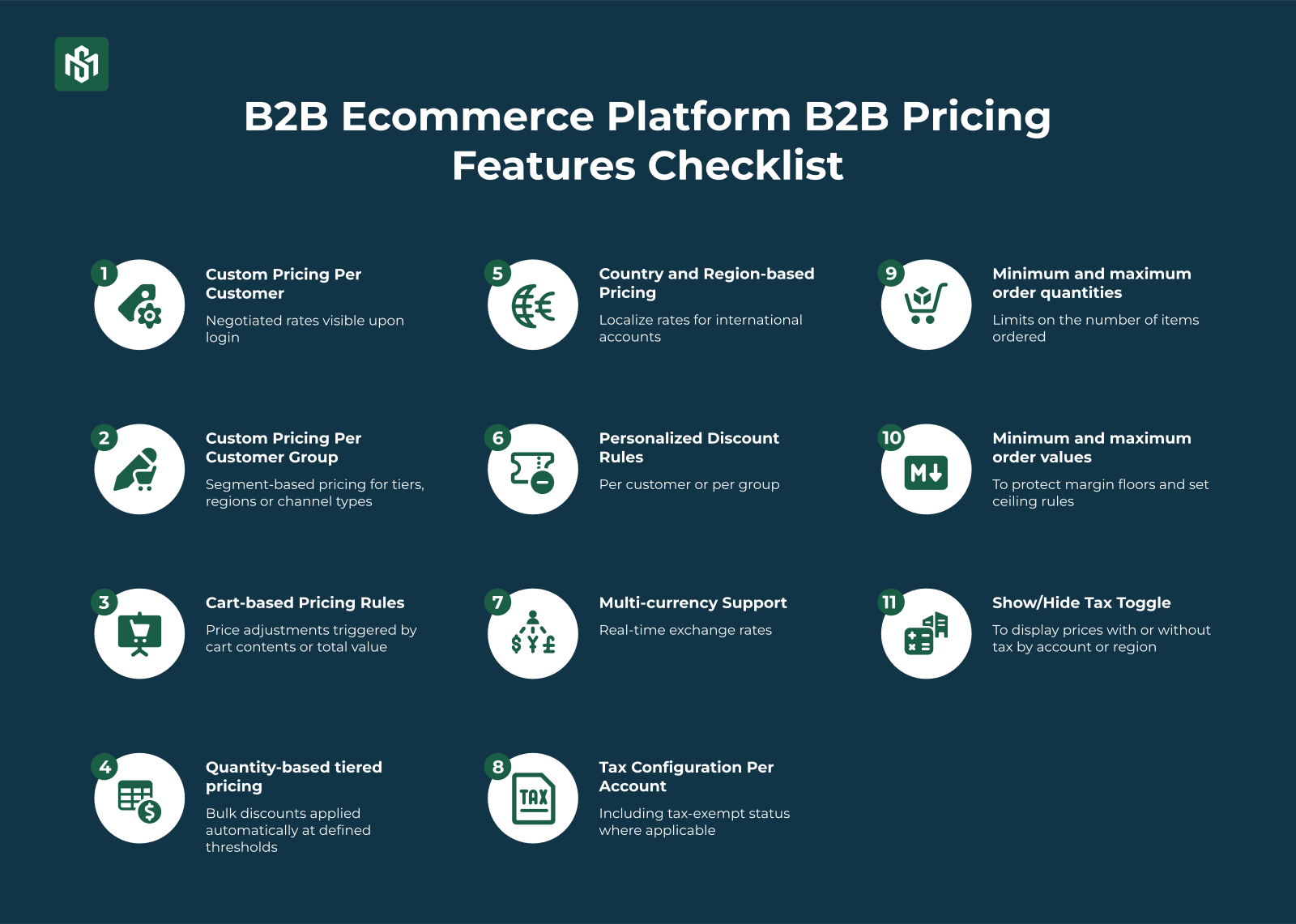
- Custom pricing per customer where each account sees their negotiated rate on login
- Custom pricing per customer group including segment-based pricing for tiers, regions, or channel types
- Cart-based pricing rules where the price adjustments triggered by cart contents or total value
- Quantity-based tiered pricing like bulk discounts applied automatically at defined thresholds
- Country and region-based pricing to localize rates for international accounts
- Personalized discount rules per customer or group
- Multi-currency support with real-time exchange rates
- Tax configuration per account including tax-exempt status where applicable
- Minimum and maximum order quantities
- Minimum and maximum order values to protect margin floors and set ceiling rules
- Show/hide tax toggle to display prices with or without tax by account or region
Key Takeaway: B2B pricing is a rules engine, not a price list. If your platform requires manual updates to show the right price to the right buyer, you’ve already created a trust problem.
B2B Checkout Features
A bad B2B checkout kills orders that were already won.
Buyers have done the research, finishing internal approval, and are ready to place the order. A clunky, confusing, or inflexible checkout is the last place you want friction.
The checkout checklist:
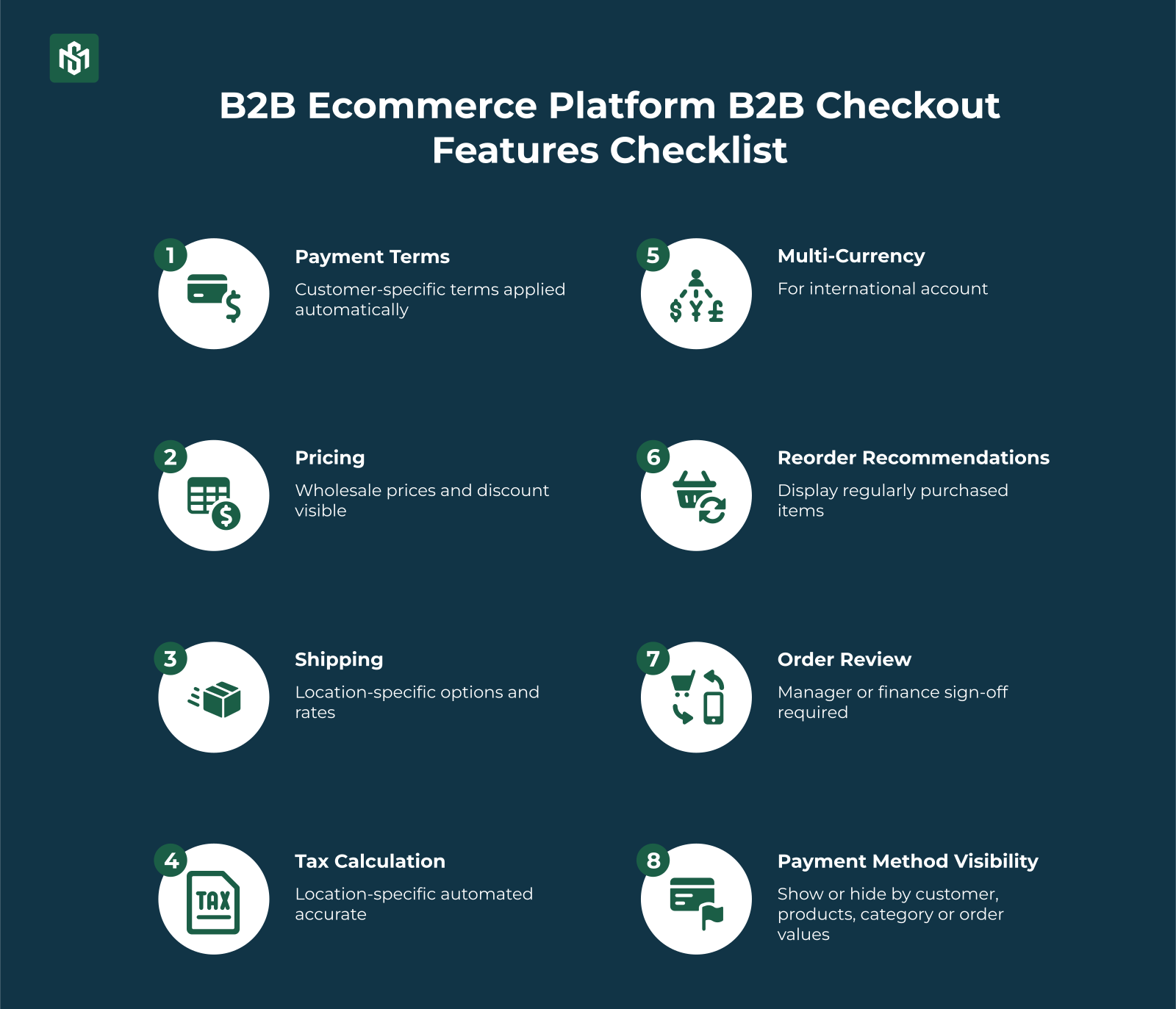
- Customer-specific payment terms at checkout like Net 30, Net 60, or contract terms applied automatically per account
- Wholesale prices and discounts clearly visible before the buyer submits
- Location-specific shipping options to correct carriers and rates per delivery address
- Location-specific tax calculation for automated, accurate, no manual adjustment tax
- Multi-currency checkout for international accounts
- Reorder recommendations at checkout to display regularly purchased items to accelerate repeat orders
- Order review and approval step for accounts where manager or finance sign-off is required before submission
- Show or hide payment methods by customer, product, category, or order value
Key Takeaway: B2B checkout is a workflow, not a transaction. Approvals, account-specific terms, and location-aware logic are what make it work for real procurement processes.
B2B Payment Features
Checkout is where payment starts. Back-office is where payment gets managed.
Most B2B selling runs on terms that means buyers pay days or weeks after the order ships. Your platform needs to handle that cleanly, automatically, and at scale.
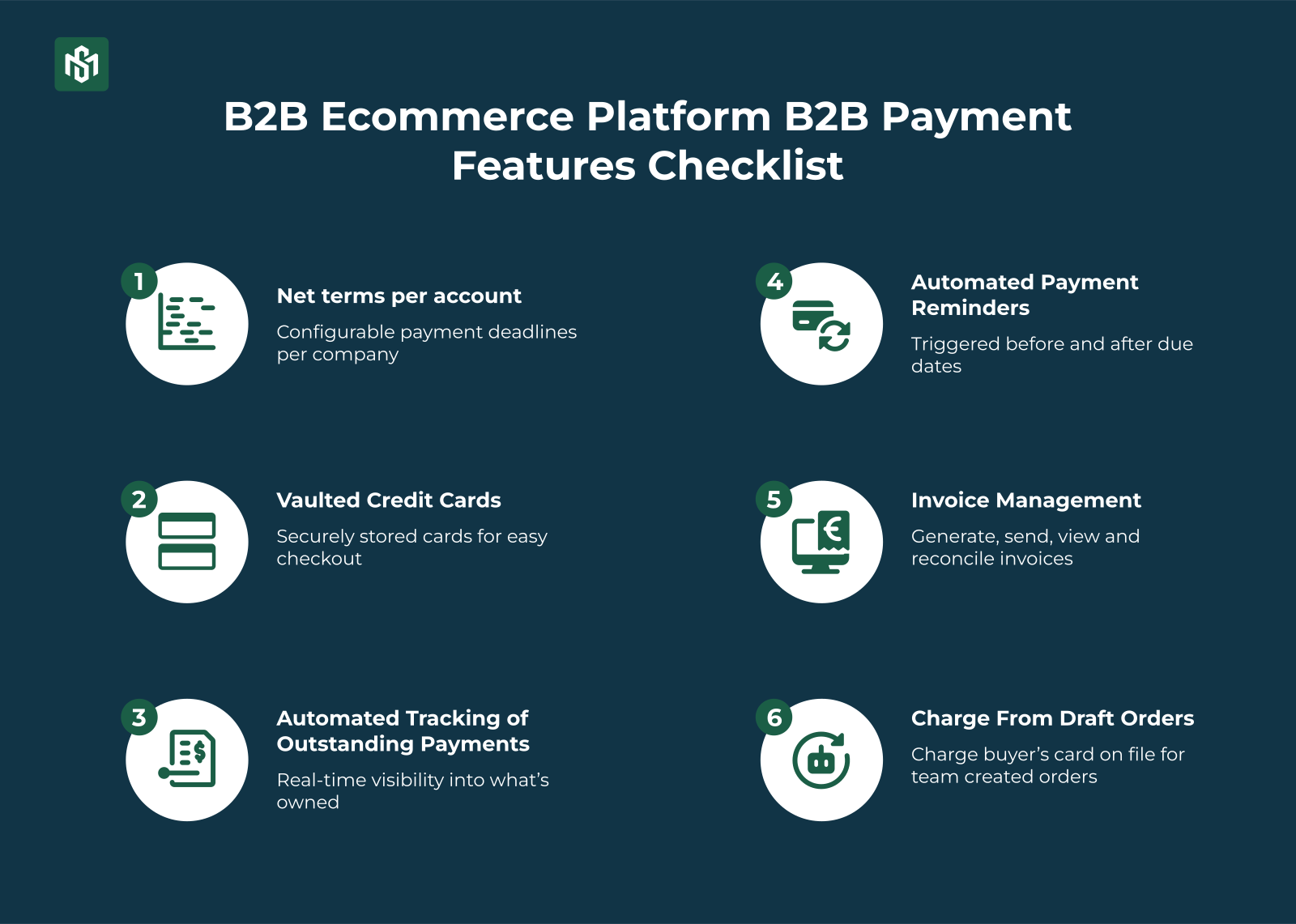
The payment management checklist:
- Net terms per account like Net 30, Net 60, Net 90, or custom terms configurable per company
- Vaulted credit cards for securely stored cards charged at checkout or from draft orders, without requiring re-entry
- Automated tracking of outstanding payments in real-time visibility into what’s owed and when it’s due
- Automated payment reminders to trigger before and after due dates, without manual follow-up
- Invoice management to generate, send, view, and reconcile invoices from one place
- Charge from draft orders for orders created by your team on a buyer’s behalf, charged to the account’s card on file
Key Takeaway: B2B payment management is as important as checkout. Automated tracking, reminders, and invoice management turn a complex receivables process into something that largely runs itself.
Product Information Features
B2B buyers aren’t buying for themselves. They’re buying to run a business, fulfil a contract, or supply a production line.
That means product information needs to be complete, accurate, and technical, not just visually appealing.
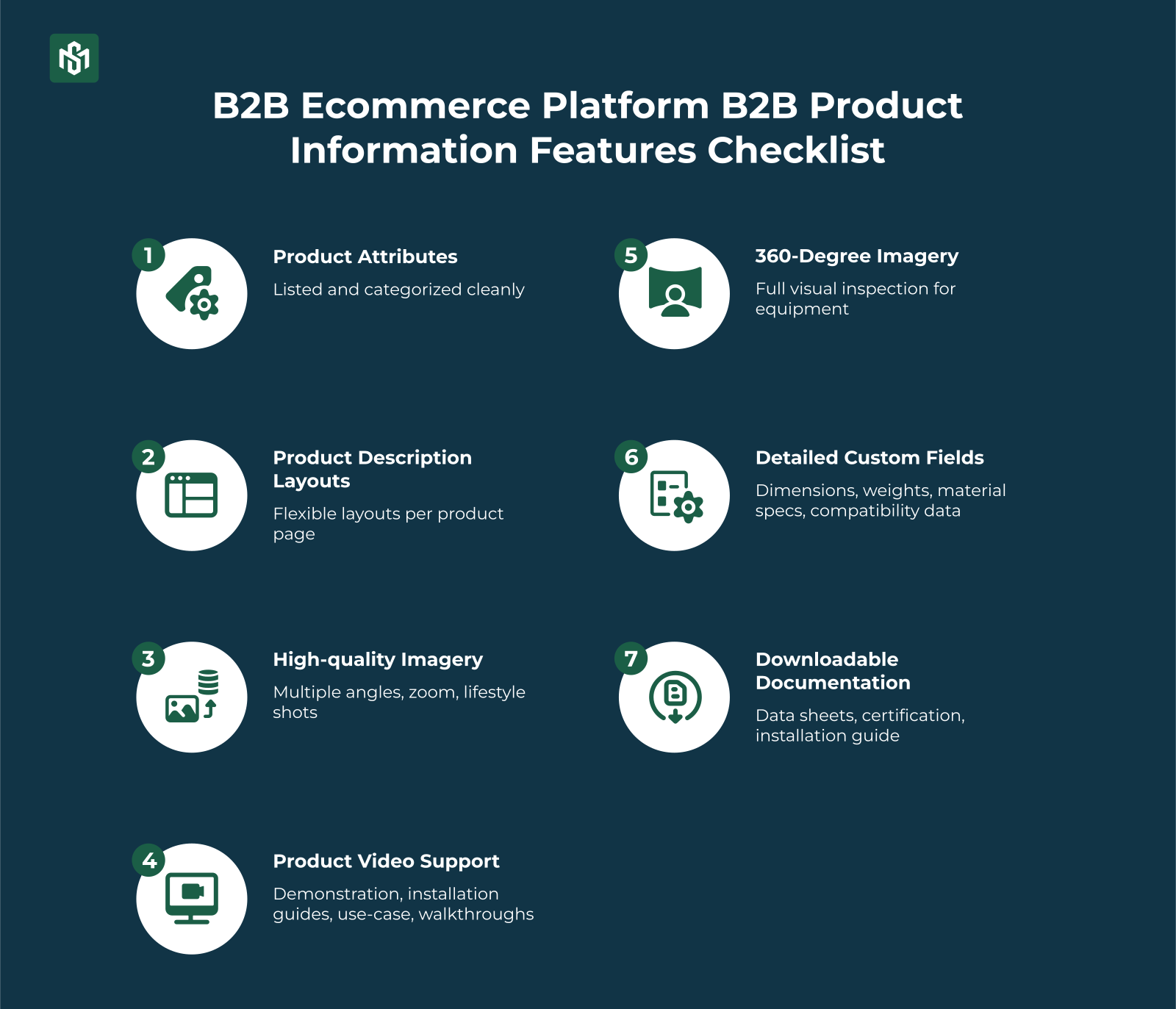
The product information checklist
- All product attributes listed and categorized cleanly including spec tables with full technical detail, not just bullet points
- Flexible product description layouts like tabs, sections, and expandable content blocks per product type
- High-quality imagery with multiple angles, zoom, lifestyle and technical shots where relevant
- Product video support to demonstrations, installation guides, use-case walkthroughs
- 360-degree imagery for equipment, components, or products where full visual inspection matters
- Detailed custom fields like dimensions, weights, material specs, compatibility data, style specifications
- Downloadable documentation like data sheets, certifications, installation guides, compliance documents linked per SKU
Key Takeaway: B2B product pages are technical documents as much as they are sales assets. Every missing spec or incomplete attribute is a reason for a buyer to call your sales team, delay their order, or go to a competitor with better data.
B2B CRM Features
B2B buying doesn’t follow a clean funnel. Multiple contacts at the same company, different roles, different purchasing histories, different price lists that all tied to one account.
Your CRM needs to reflect that complexity.
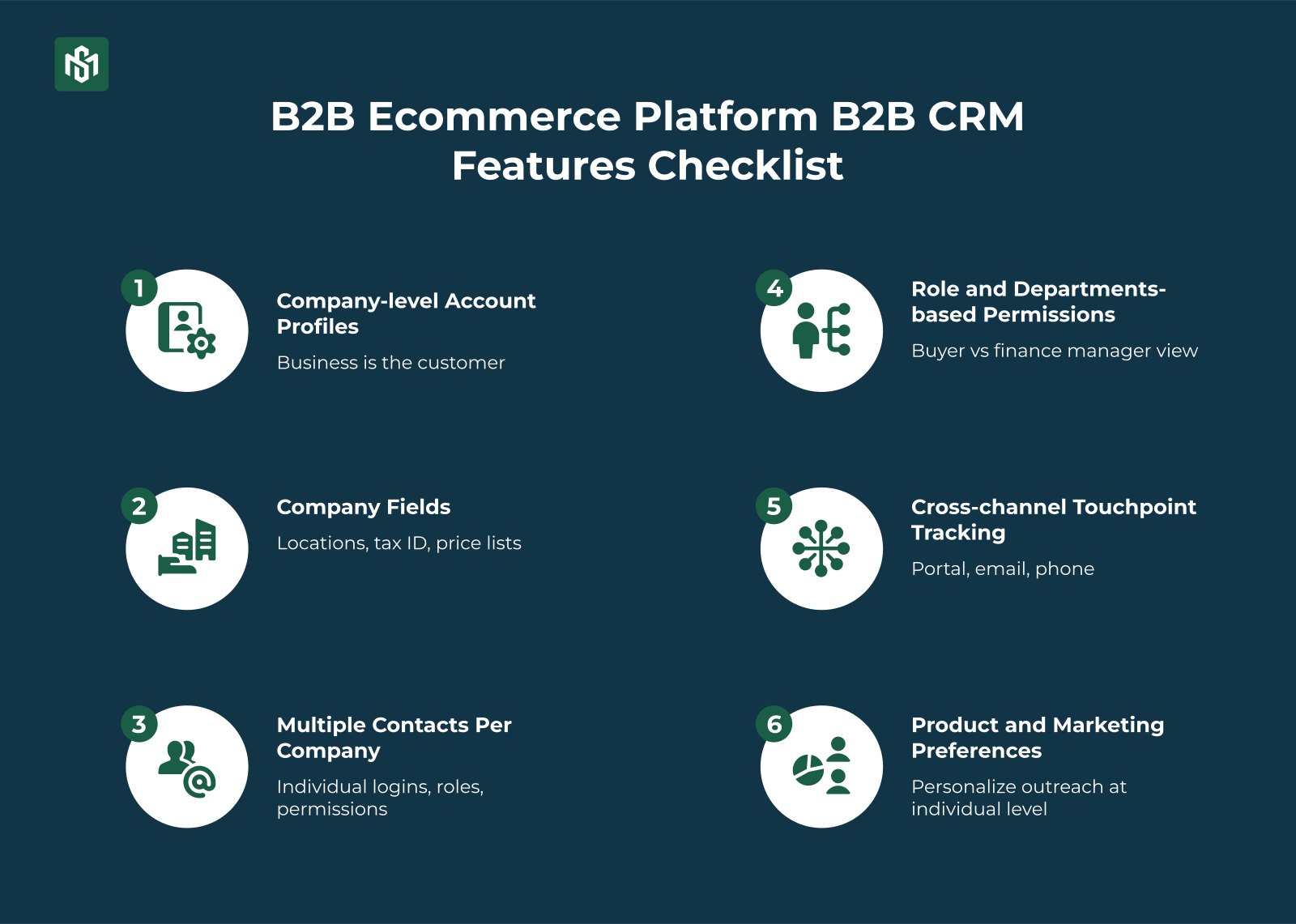
The B2B CRM checklist:
- Company-level account profiles because the business is the customer, not just the individual contact
- Company fields: locations, tax ID, assigned price lists and catalogs, customer lifetime value, full transaction history
- Multiple contacts per company where each with individual login credentials, roles, and purchasing permissions
- Role and department-based permissions what a buyer sees and can do differs from what a finance manager or account admin sees
- Cross-channel touchpoint tracking to capture interactions across portal, email, phone, and in-person
- Product and marketing preferences per contact to personalize outreach at the individual level within an account
Key Takeaway: A B2B CRM isn’t a contact list, it’s an account hierarchy. Every platform choice should reflect that companies, not individuals, are your customers.
Marketing and Promotional Features
B2B marketing is different from B2C. But it still needs to drive repeat orders, reactivate dormant accounts, and move inventory, just with more precision and less mass-broadcast.
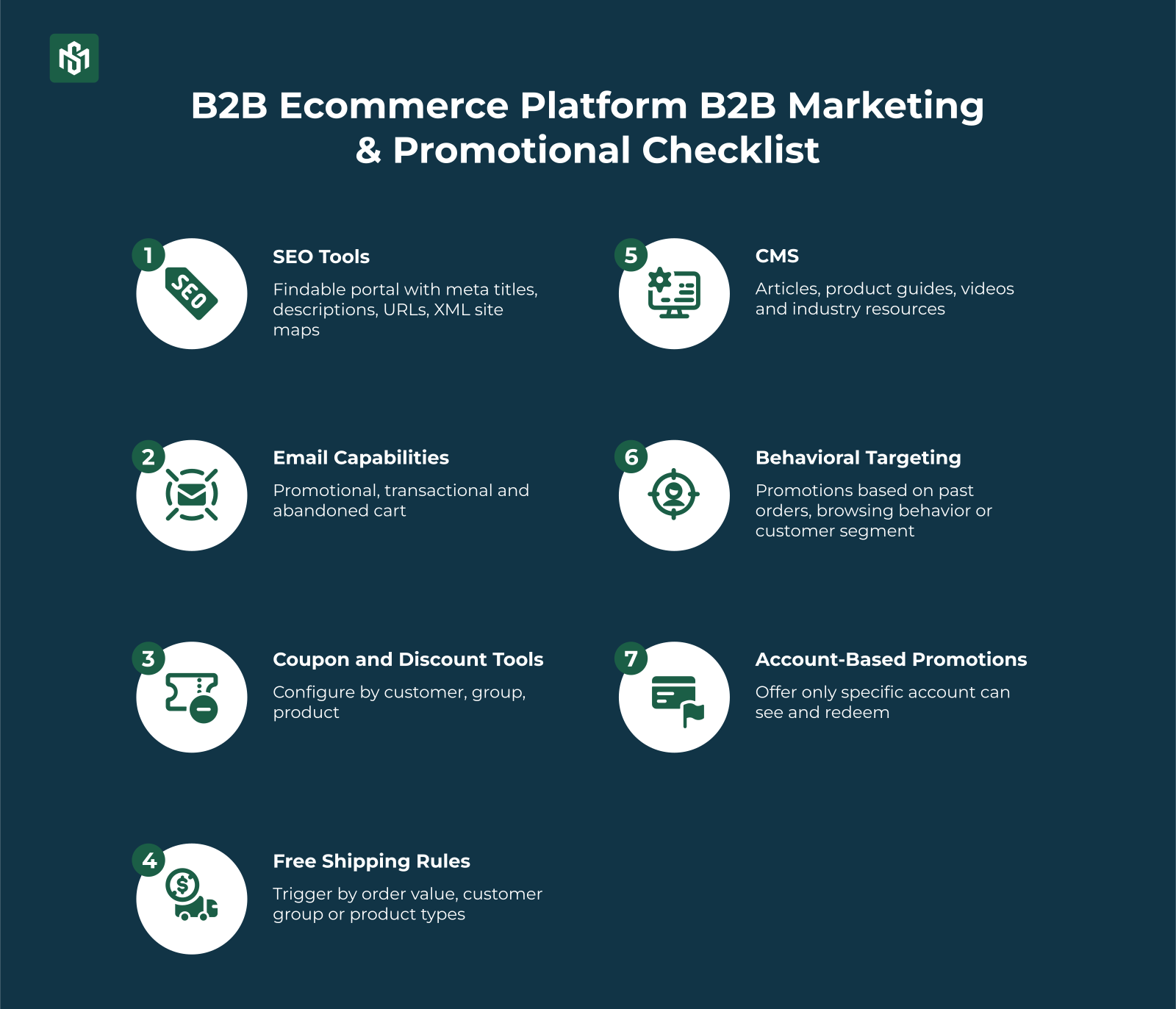
The marketing checklist:
- SEO tools including meta titles, descriptions, URLs, XML sitemaps, canonical tags. Your portal should be findable
- Built-in email capabilities for promotional campaigns, transactional emails (order confirmations, shipping updates), and abandoned cart recovery
- Coupon and discount tools to configure by customer, group, product, or order value
- Free shipping rules to trigger by order value, customer group, or product type
- CMS for articles, product guides, videos, and industry resources
- Behavioral targeting to deliver promotions based on past orders, browsing behavior, or customer segment
- Account-based promotions to offer only specific accounts can see and redeem
Key Takeaway: B2B marketing isn’t about volume, it’s about relevance. The platforms that win make it easy to target the right offer to the right account at the right time, automatically.
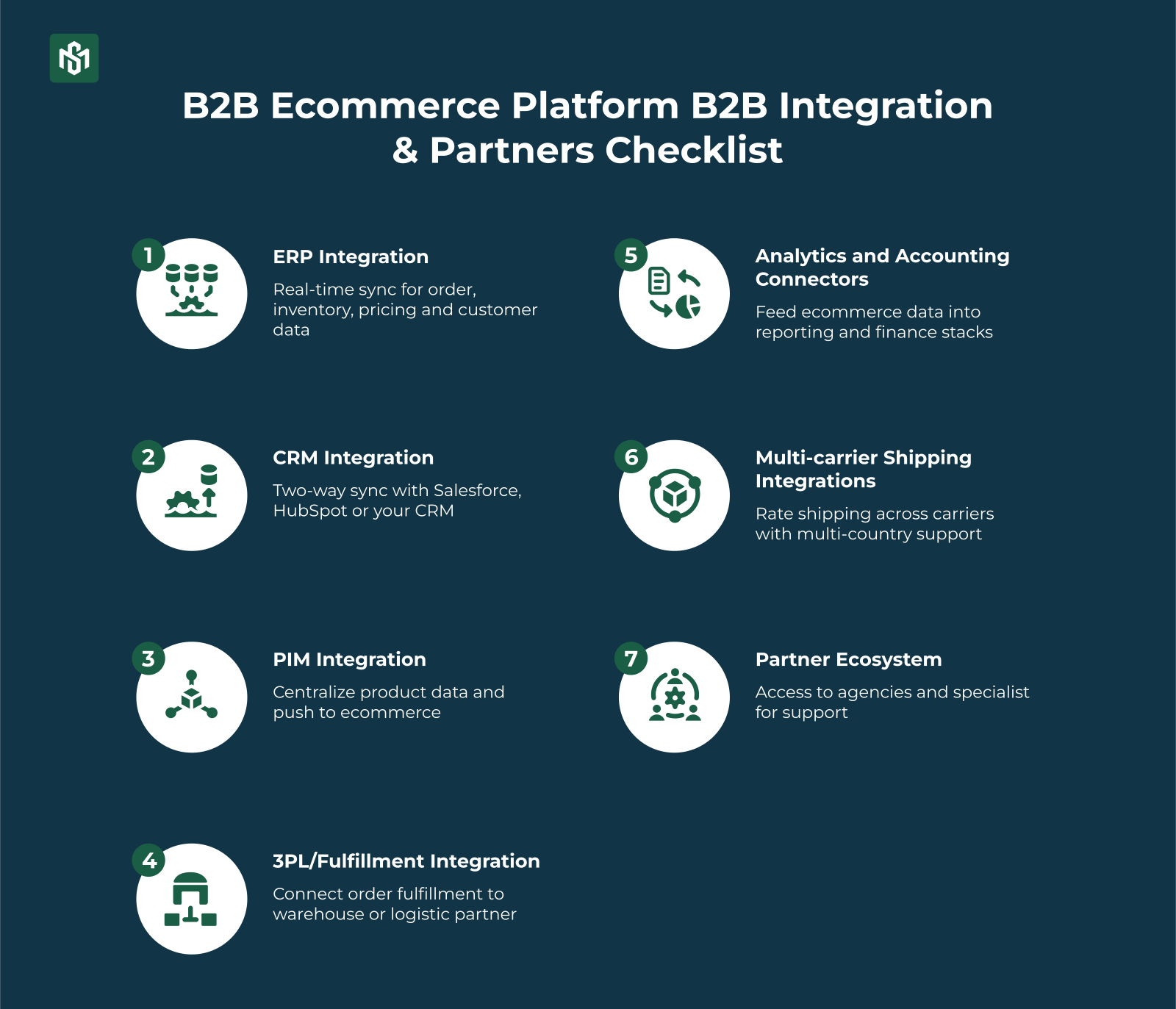
Integrations and Partners
A B2B ecommerce platform that doesn’t connect to your back-end systems isn’t saving you work, it’s creating a parallel silo.
The integrations checklist:
- ERP integration like real-time sync for orders, inventory, pricing, and customer data (NetSuite, Dynamics 365, SAP, Acumatica)
- CRM integration including two-way sync with Salesforce, HubSpot, or your CRM of choice
- PIM integration to centralize product data and push it to the ecommerce layer without manual re-entry
- 3PL / fulfillment integration to connect order fulfillment to your warehouse or logistics partner
- Analytics and accounting connectors to feed ecommerce data into your reporting and finance stacks
- Multi-carrier shipping integrations for rating shopping across carriers with multi-country support
- Partner ecosystem to access to agencies and specialists who know the platform, for setup, development, marketing, and branding support
Key Takeaway: Integrations aren’t optional extras, they’re what make a B2B platform operational at scale. Evaluate them as carefully as any native feature set.
Inventory and Order Management
Accurate inventory and order management is the operational backbone of B2B ecommerce.
An order placed on incorrect stock data, shipped to the wrong location, or invoiced at the wrong price creates downstream problems that are expensive to fix.
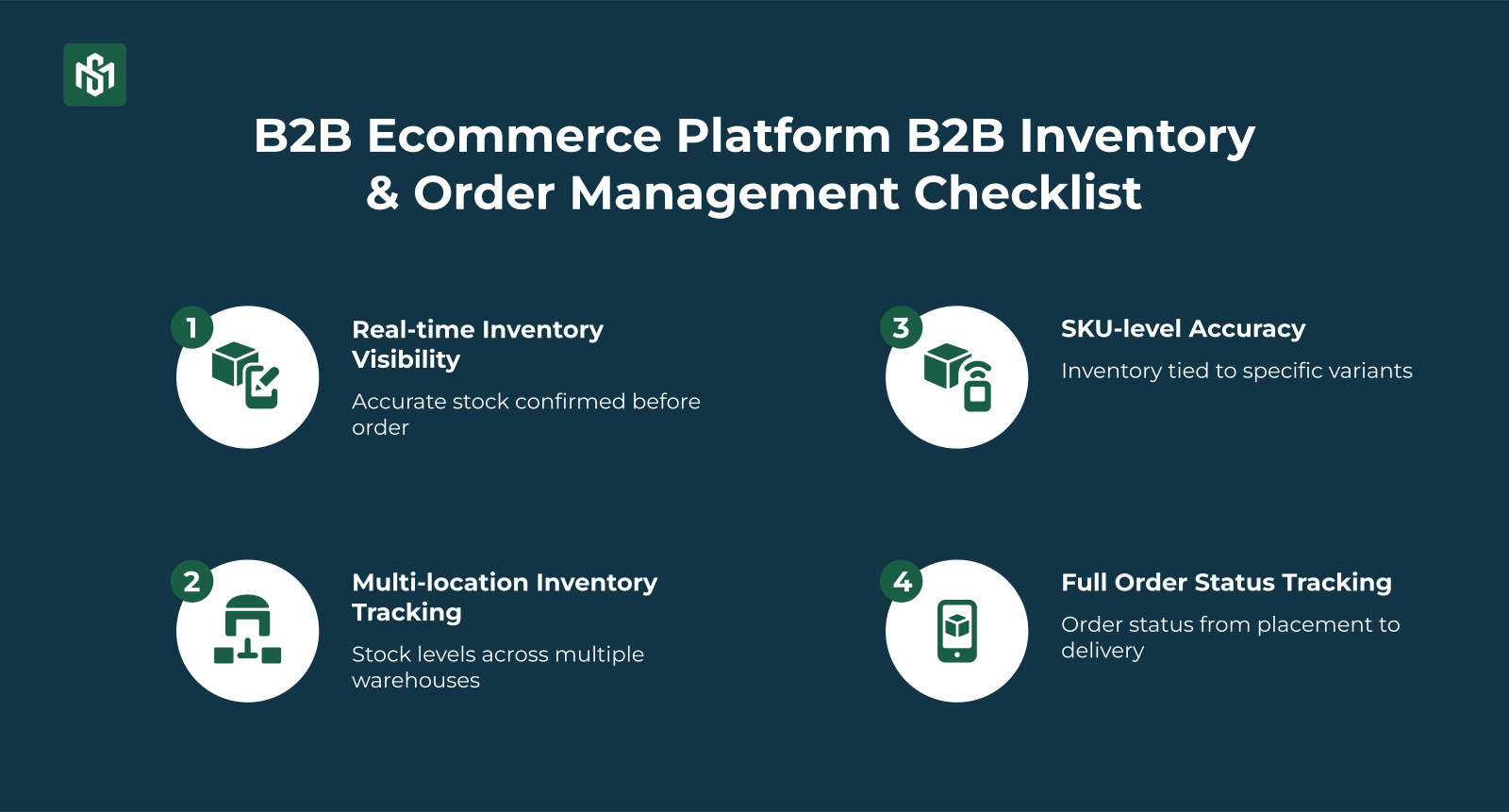
The inventory and order management checklist:
- Real-time inventory visibility for buyers for accurate stock confirmed before the order is placed, not after
- Multi-location inventory tracking for stock levels across multiple warehouses with order routing to the correct fulfillment location
- SKU-level accuracy for inventory tied to specific variants, not just parent products
- Full order status tracking from placement through fulfillment and delivery, visible to both buyers and your operation team
Key Takeaway: Inventory accuracy and order management aren’t back-end concerns, they’re customer-facing. A buyer who orders based on incorrect stock data, or whose order ships to the wrong address, doesn’t blame your warehouse. They blame your platform.
The Bottom Line
A B2B ecommerce platform is not a B2C store with extra features.
It’s a system built around account-based relationships, negotiated pricing, multi-stakeholder workflows, and recurring high-value transactions where each category of capability has a distinct job to do.
This checklist keeps those jobs separate and non-overlapping. Use it before you buy, before you build, and once a year as an honest audit of where your platform actually stands.
The gaps you find are your roadmap.